










Challenge The Sprinter
- Brand
- Mercedes-Benz
- Year
- 2014
- Objective
- Product Launch
- Industry
- Automotive
- Mechanic
- Quiz & Trivia
- Platform
- Web
- Agency
- Lukas Lindemann Rosinski

Objective
Mercedes-Benz Vans wanted to make the new Sprinter's driver-assist systems tangible rather than list them as spec-sheet features. Ahead of the model's summer 2014 launch, the brand let people try to provoke a crash themselves and feel the van correct course, aiming that experience straight at the Sprinter product page and dealer network.
Solution
Opened on a phone browser at vanapps.de, the game puts the player looking straight down on a silver Sprinter mid-drive. Each of four rounds opens with a chapter number and an animated hand icon showing the gesture needed, then a Starten button drops the player into the challenge: swipe to throw crosswind gusts at the van, swipe to cut it into another lane, tilt the phone toward you to close a gap in traffic, or tilt it sideways to try to push the van off its line. Every time the assist system catches the attempt, a red warning icon for that system flashes on screen, followed by a dark recap screen naming the system and a Nächste Aufgabe button to move on. After the fourth round, a final screen offers Mehr erfahren through to the Sprinter page on mercedes-benz.de, a dealer-locator link, and share buttons for Facebook, Twitter and email.
- 1
The game is a mobile-only browser experience: desktop visitors land on a redirect screen asking them to open vanapps.de on a smartphone instead. On a phone it opens with a loading screen, and rotating the device to landscape at any point covers the game with a portrait-only prompt.
- 2
The start screen carries a headline about the new Sprinter, the Mercedes-Benz logo, a large start button, and secondary links to learn more about the van or find a dealer.
- 3
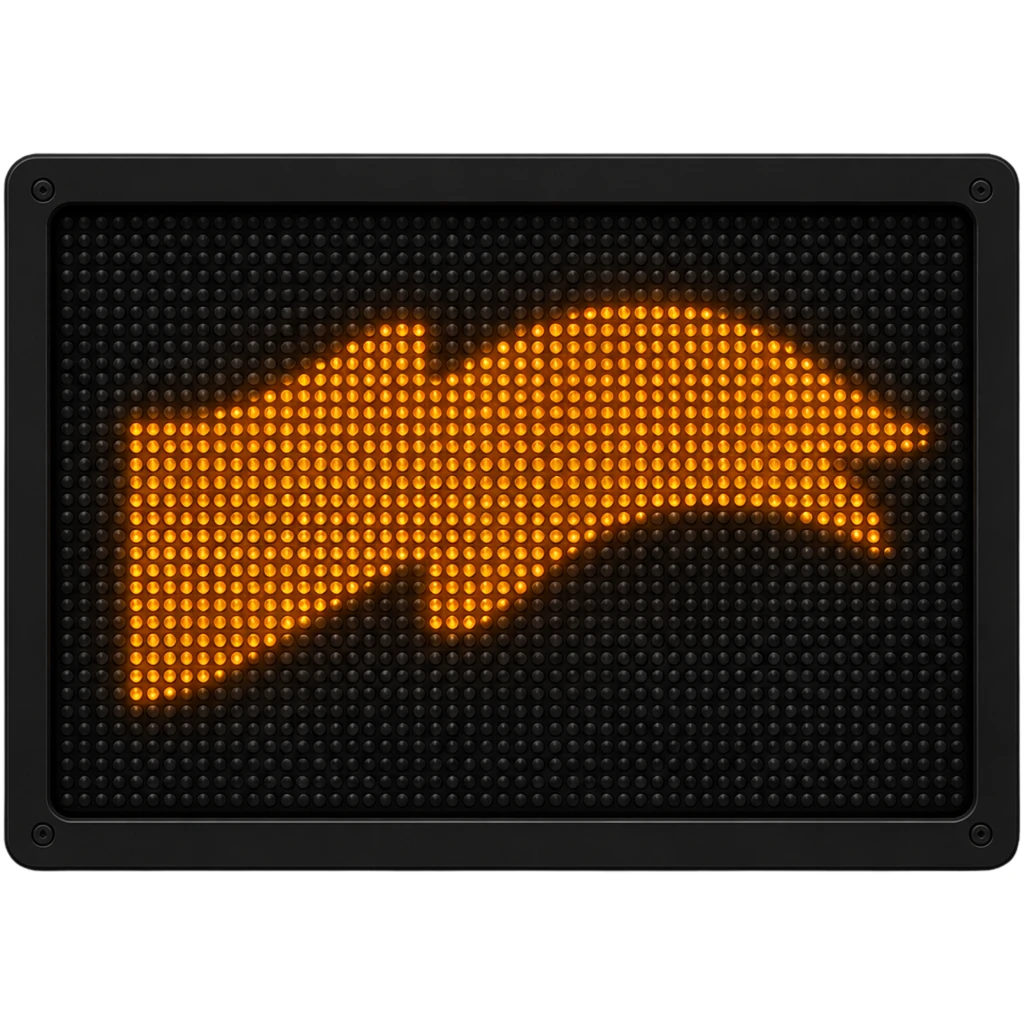
Each of four tasks opens with a numbered intro screen (01-04) naming its driver-assist system and looping a hand animation that previews the required gesture — a swipe, a drag, or a tilt — before a Starten button begins the challenge.
- 4
In the challenge itself the player performs that gesture, trying to push the Sprinter out of control: swiping to throw crosswind gusts at it, dragging it into a lane with merging traffic, tilting the phone forward to close in on a traffic jam, or tilting it sideways toward the road edge. A named assist system — Crosswind Assist, Blind Spot Assist, Collision Prevention Assist, or Active Lane Keeping Assist — automatically corrects the van each time, flashing a warning icon at the moment it intervenes.
- 5
After each task, a recap screen explains in German how that particular assist system works, then a button carries the player to the next task or, after the fourth, on to the end screen.
- 6
The end screen offers to learn more about the Sprinter, search for a dealer, or share the experience by Facebook, Twitter, or email with pre-filled copy linking back to vanapps.de; a separate overlay holds the legal and imprint information.