








Kick With Pixel
Open the game- Brand
- Google Pixel
- Year
- 2024
- Objective
- Product Launch
- Industry
- Tech & Telecom
- Mechanic
- Racing & Sports
- Platform
- Web
- Agency
- Phantom




Objective
Google wanted Pixel 8 and Pixel 8 Pro's new mint colourway to break out of standard digital marketing, so it built a football game designed around that new look rather than another banner or video push. Tying it to Pixel's football sponsorships (England, Arsenal, Liverpool) let the game turn fan enthusiasm into email sign-ups and traffic to the Google Store, first for the mint launch and again in a June relaunch timed to Euro 2024 alongside device discounts.
Solution
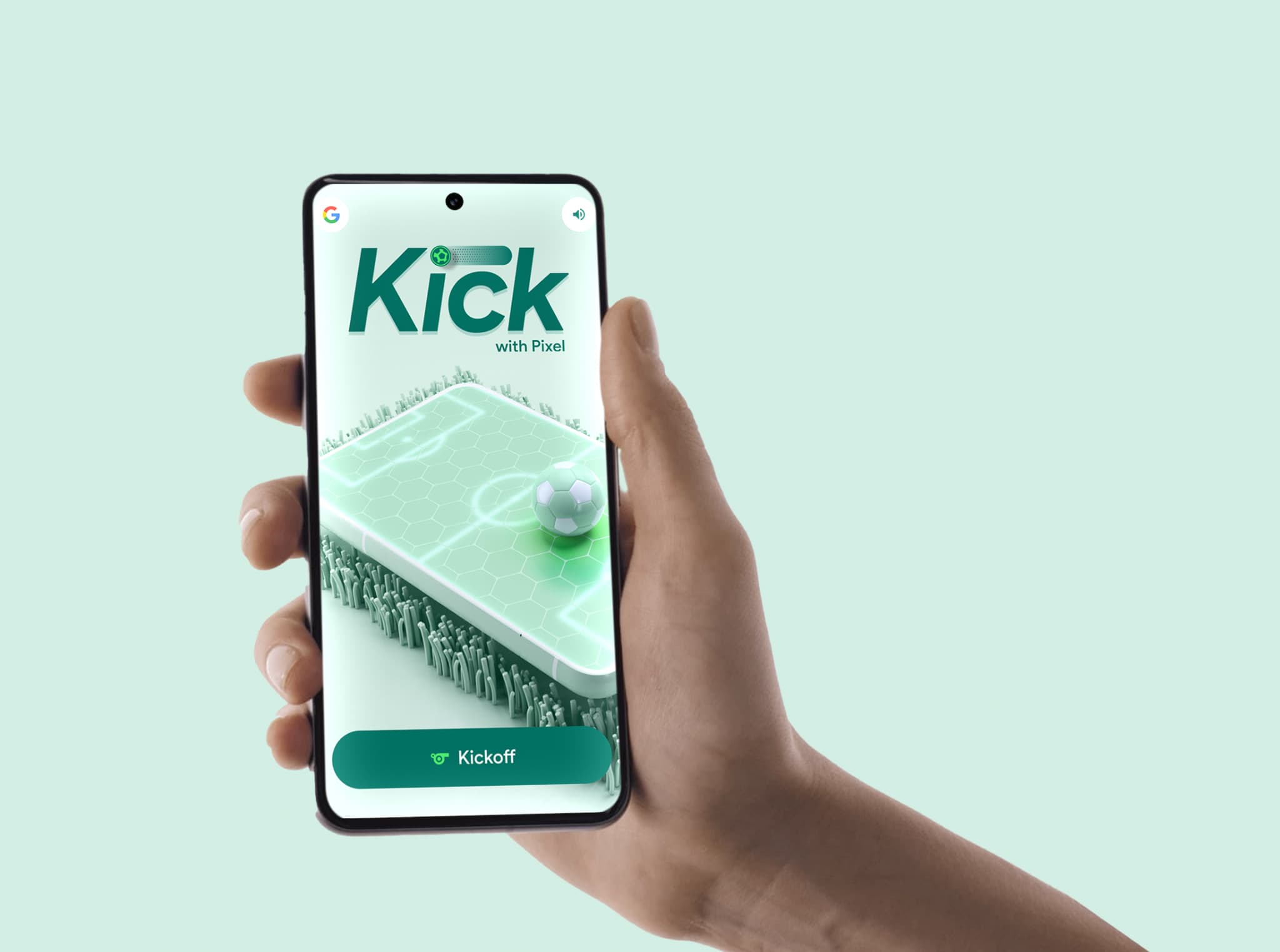
Players open the game straight in their phone browser — via a personal QR code sent with a Pixel order in the January wave, or a public link during the Euro 2024 relaunch — and land on a mint-green 3D football pitch. Before the first kick, they pick their national team and put their own name on the shirt. Play is one motion repeated five times: pull the ball back to aim, then flick it toward the target, scoring points for landing close to the hexagonal markers. After the fifth shot, the total score drops onto a global leaderboard, and entering an email reveals the player's rank and enters them into the prize draw. Nothing stops a player from restarting and playing again, so most kept kicking to chase a higher spot on the board.
Results
The game delivered a 75.8% engagement rate, an average playtime of nearly four minutes, and a 17.5% conversion rate, and was expanded to multiple regions on the strength of those numbers.
- 1
Players reach the game not through search but via a brand-issued link: a unique QR code packed with mint Pixel 8 orders at launch, or a Google Store link during the Euro 2024 relaunch. The experience is mobile-only, prompting desktop visitors to switch devices and landscape users to rotate to portrait.
- 2
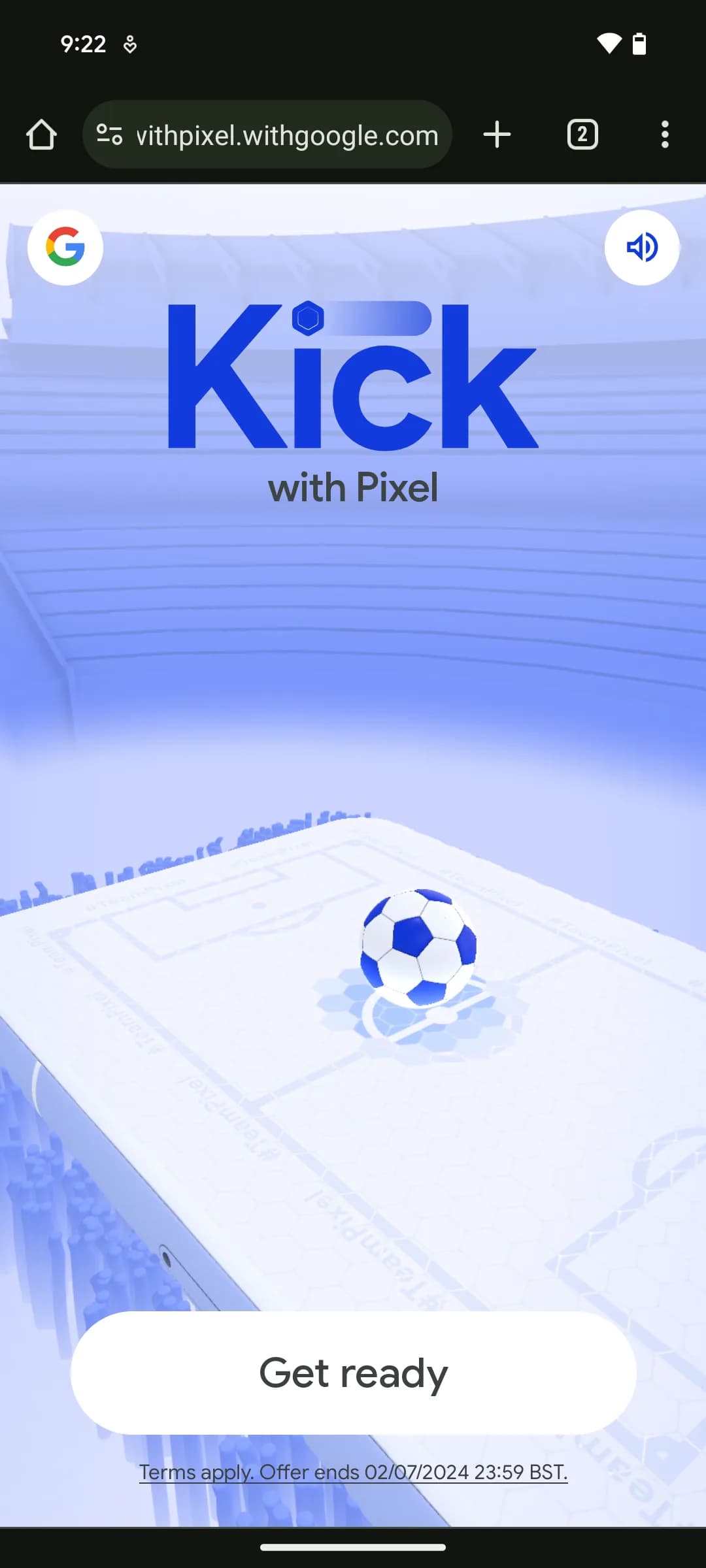
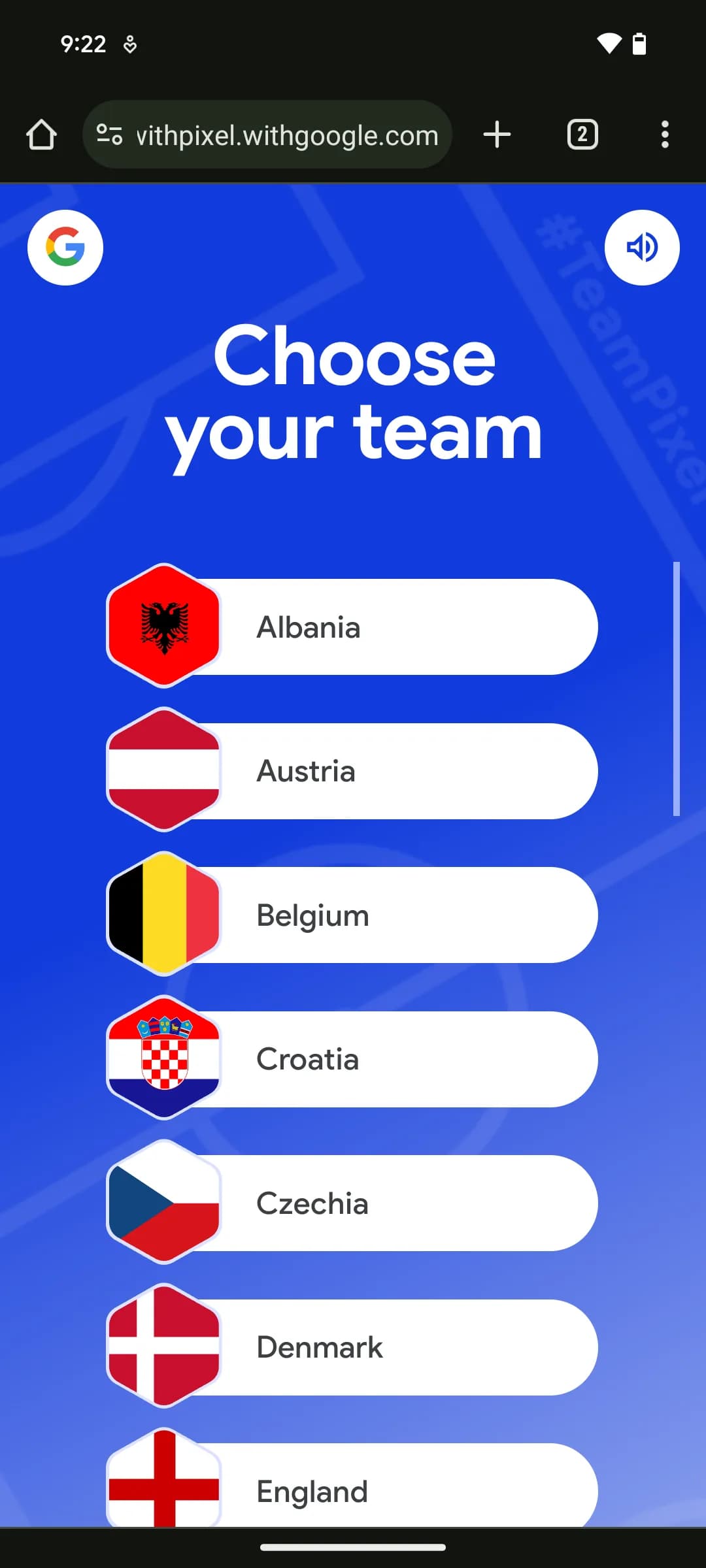
A mint-themed title screen invites the player to kick off, leading into setup: the player picks a national team to represent, then types a name that gets printed on their in-game jersey and later appears on the leaderboard.
- 3
A brief tutorial teaches the single control gesture: pull the ball down to aim, then flick it toward the target.
- 4
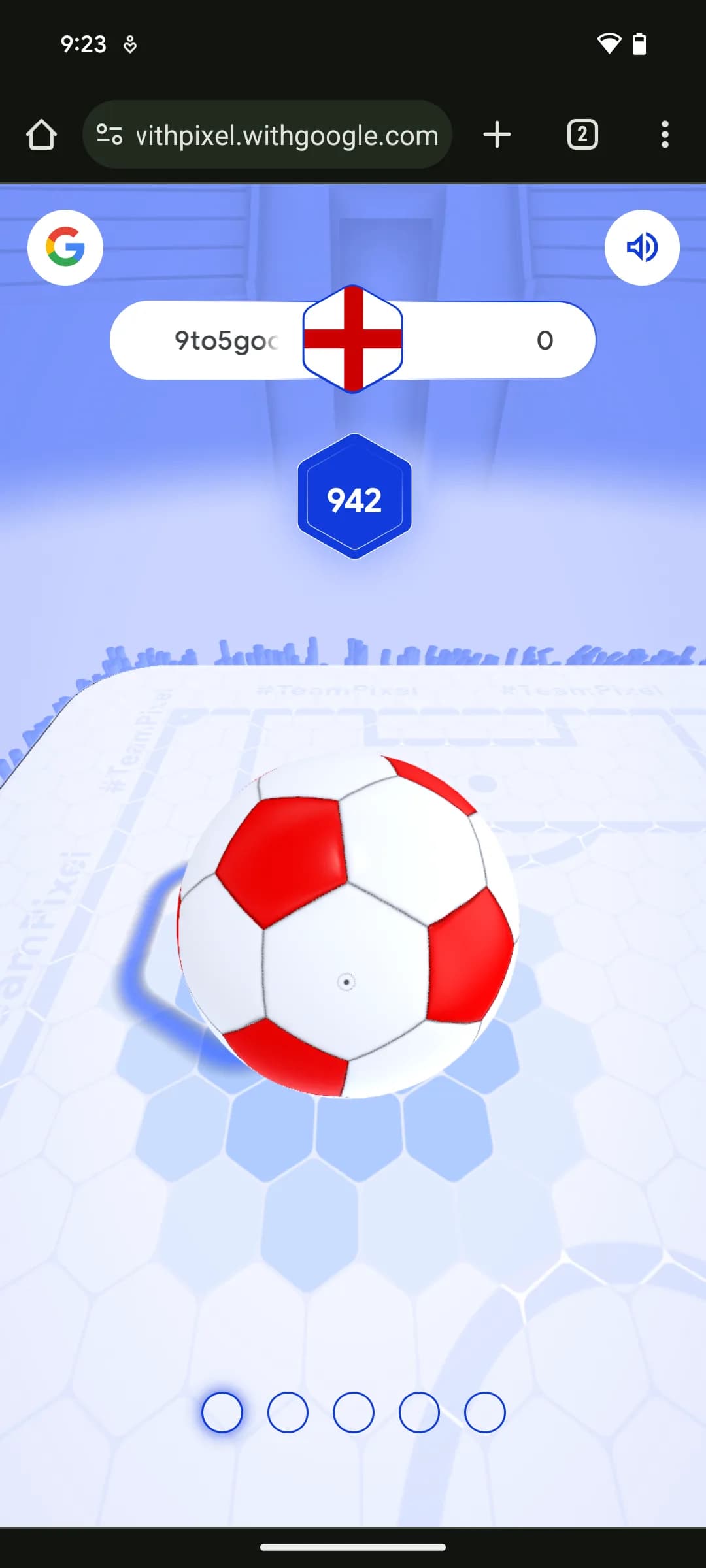
The core loop is a first-person penalty-style shootout on a 3D pitch: the player flicks the ball toward a fixed target five times, scoring more points the closer each shot lands to the center of hexagonal markers, with the game calling out "Last shot!" before the final attempt.
- 5
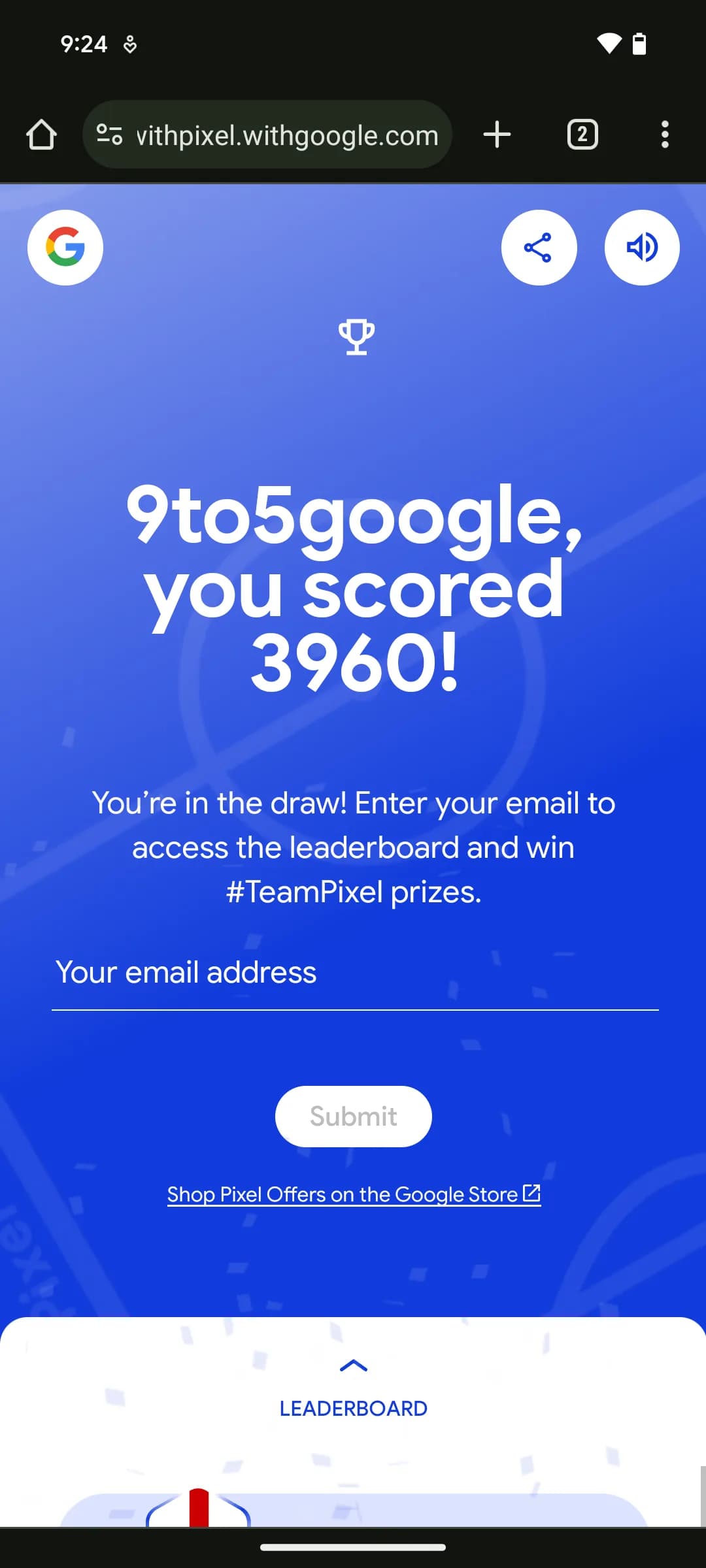
The five scores are totaled and submitted to a global leaderboard; a results screen tells the player whether their total qualifies them for the prize draw or falls just short.
- 6
To view their leaderboard position and enter the #TeamPixel prize draw, the player submits an email address, which unlocks the leaderboard showing their rank among other participants; sharing the result on social media is offered as an optional extra step.
- 7
Players can replay for unlimited attempts via "Rematch," chasing a higher leaderboard placement since only one prize can be won per person. A prize showcase lists what's at stake — stadium tours, pitch access, and an open training session — alongside a countdown timer to the draw's close.
- 8
The game's remaining call to action points players to Google Store offers on Pixel devices.