











Happy Meal App
- Brand
- McDonald's
- Year
- 2014
- Objective
- Engagement
- Industry
- Food & Drink
- Mechanic
- Mini-Games
- Platform
- App
- Agency
- Preloaded


Objective
As play moved onto smartphones, McDonald's needed the Happy Meal to follow kids there — a way to stay in touch with families between visits rather than end when the box was empty. The brand also wanted the app to double as a reputational move: ad-free, no in-app purchases, built around purposeful play rather than promotion. And operationally, it gave McDonald's a single tool that could roll out a new toy license every month across more than a hundred markets without a fresh app for each one.
Solution
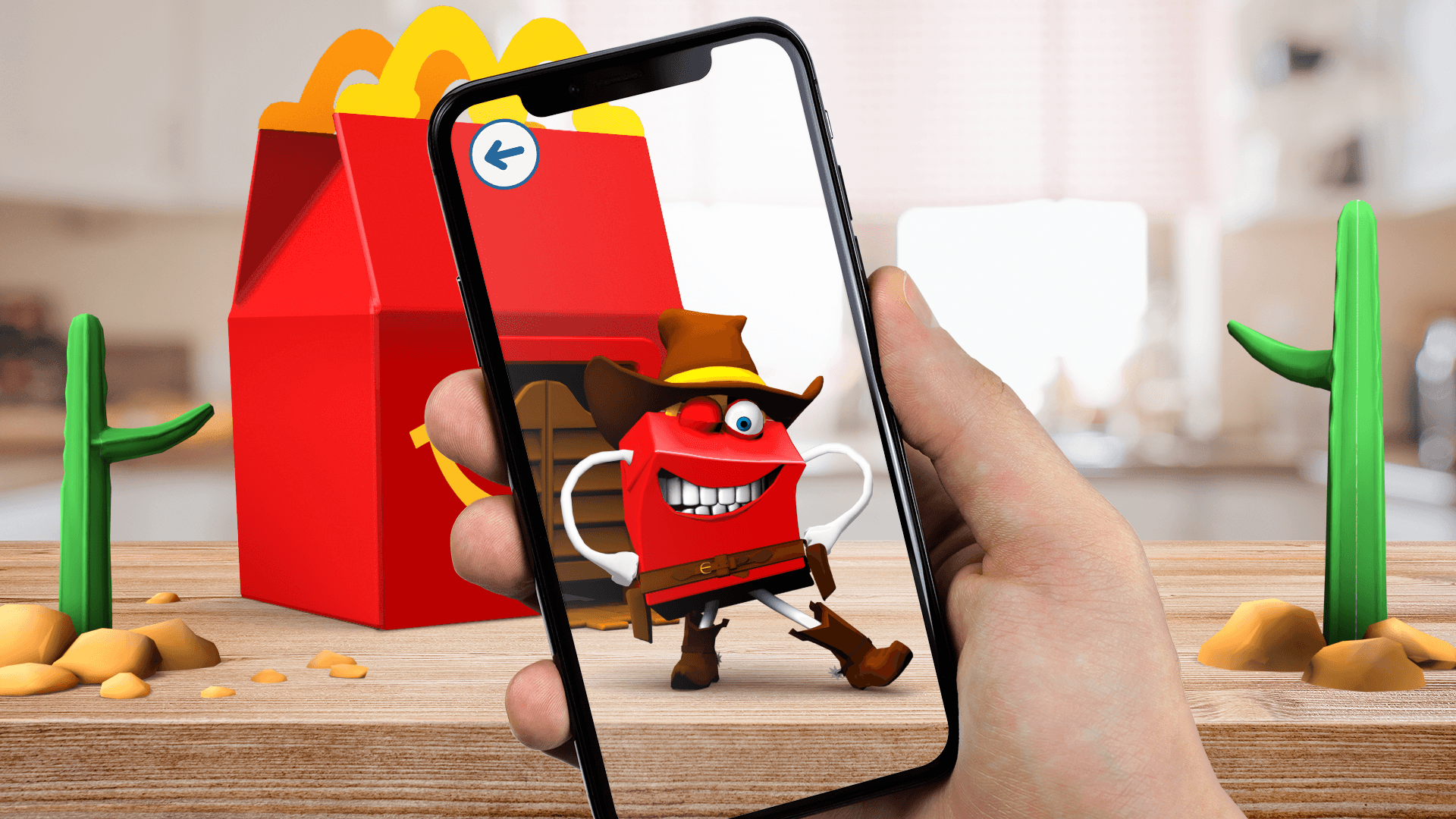
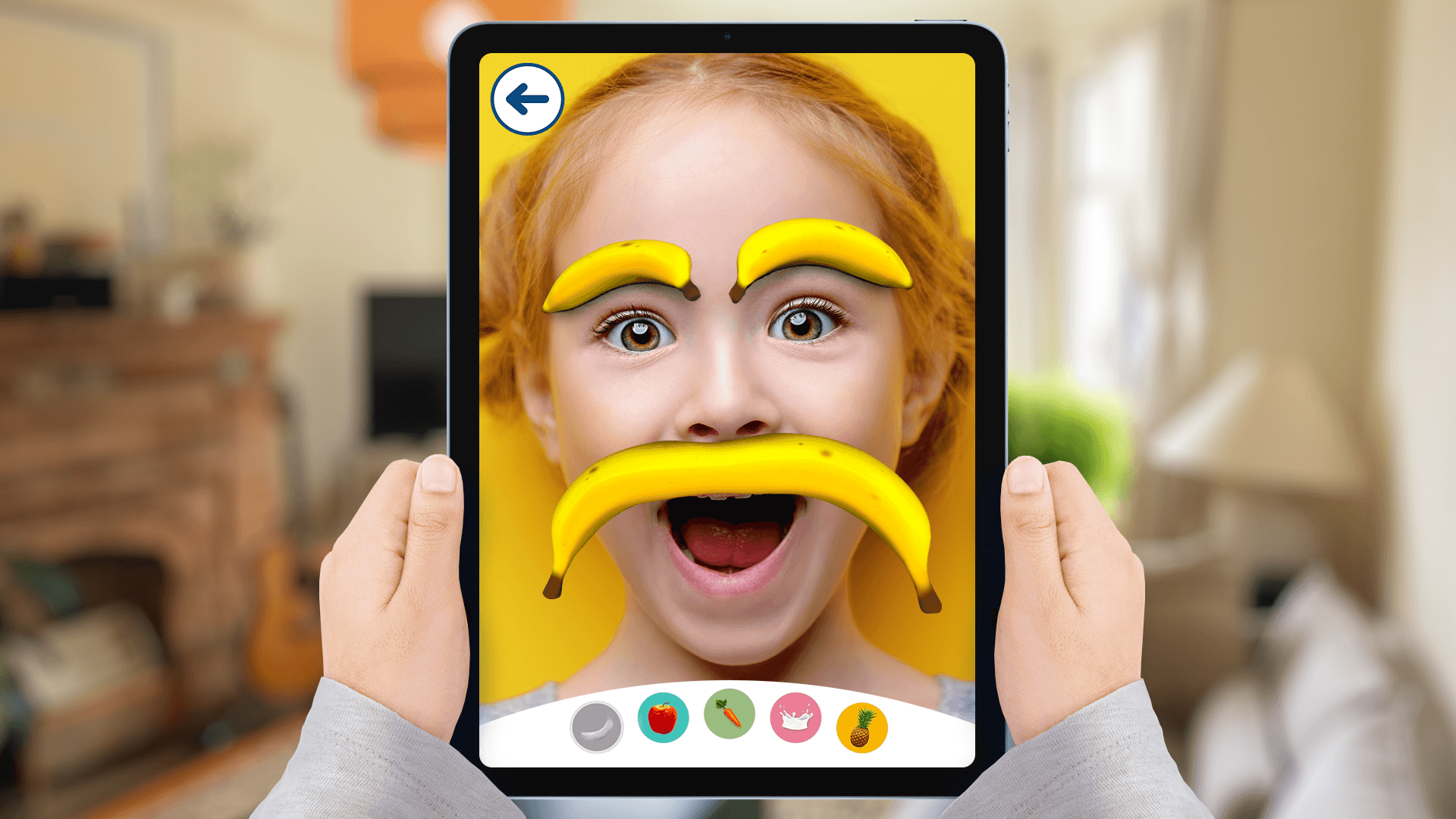
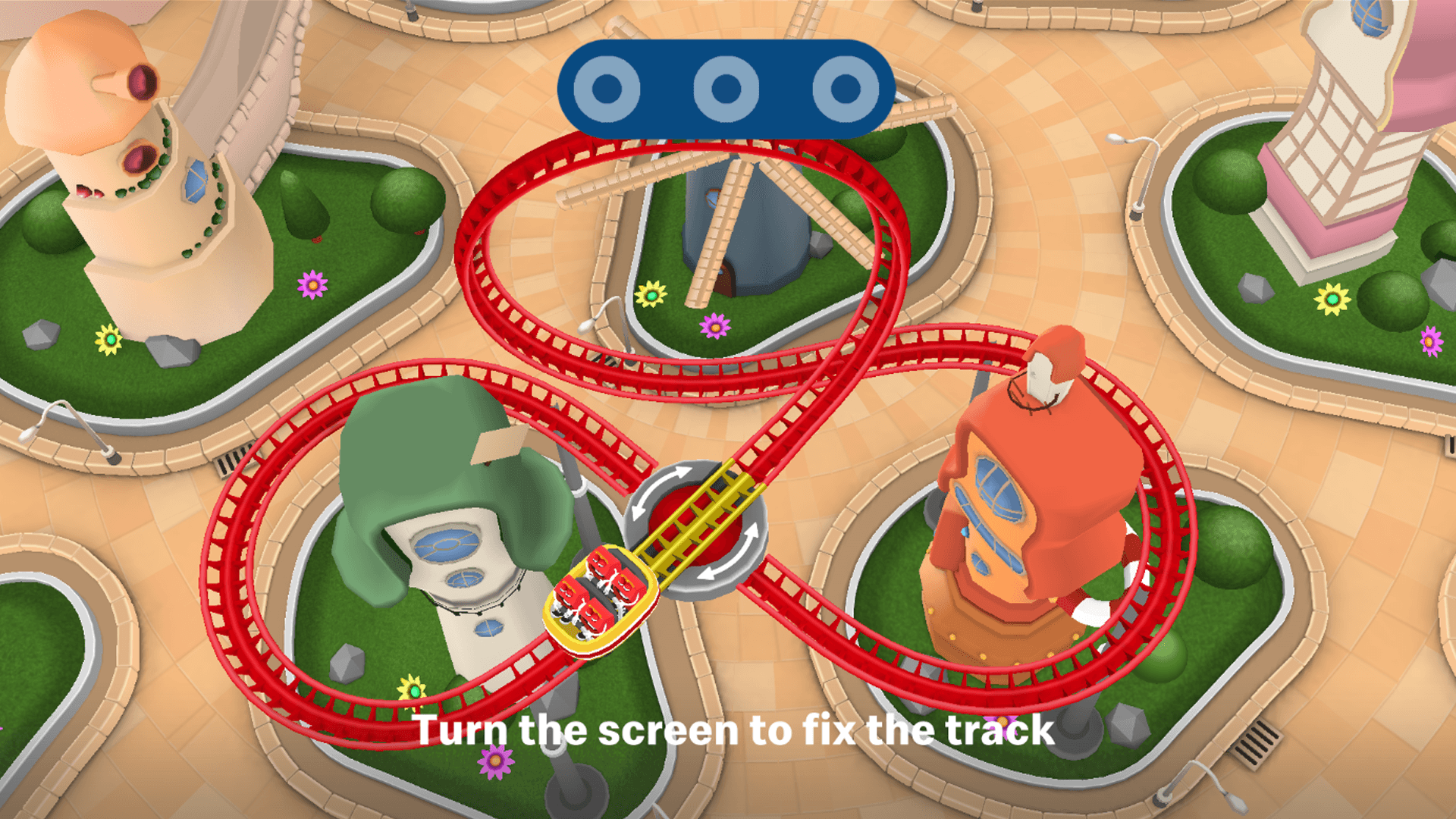
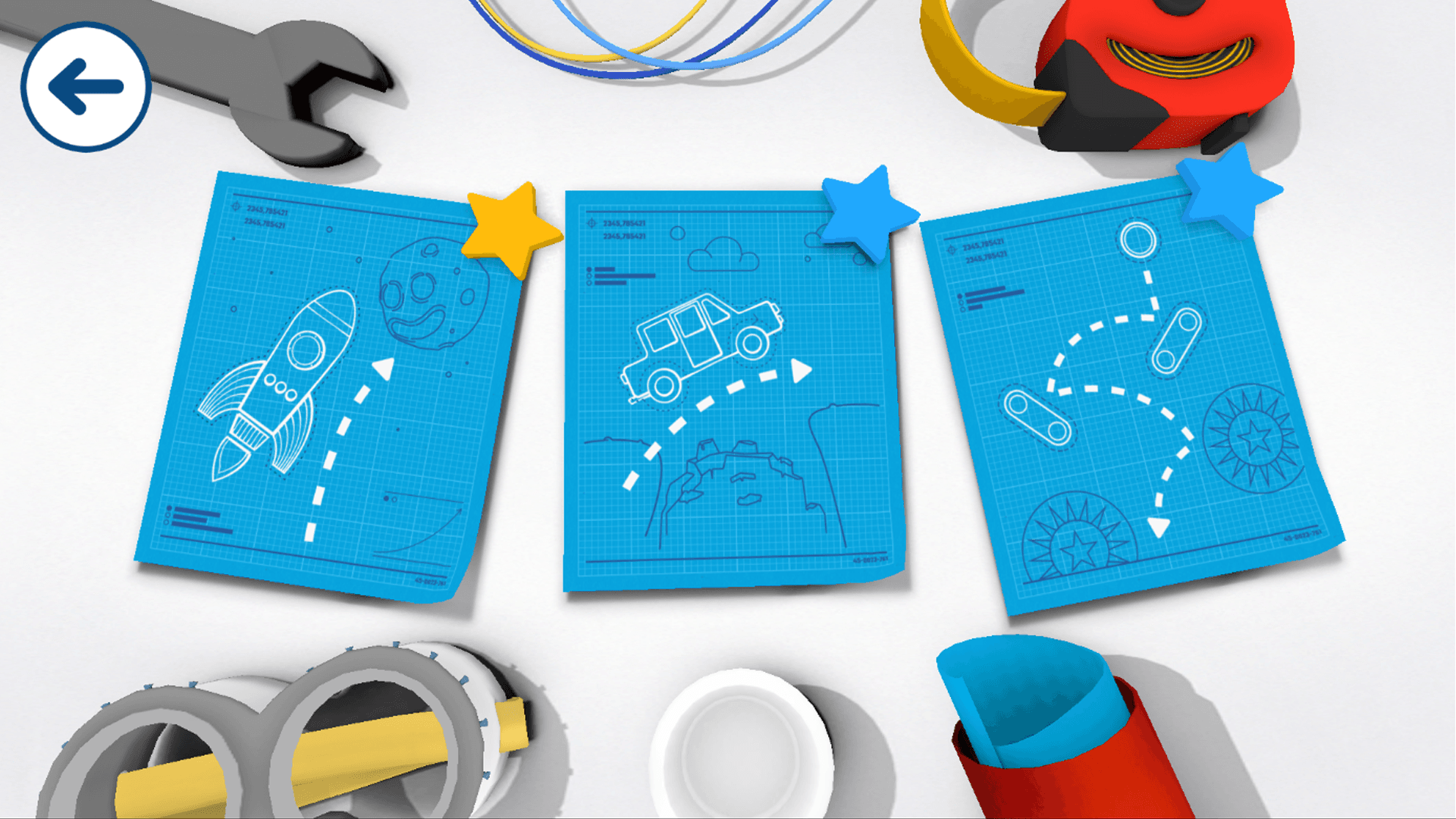
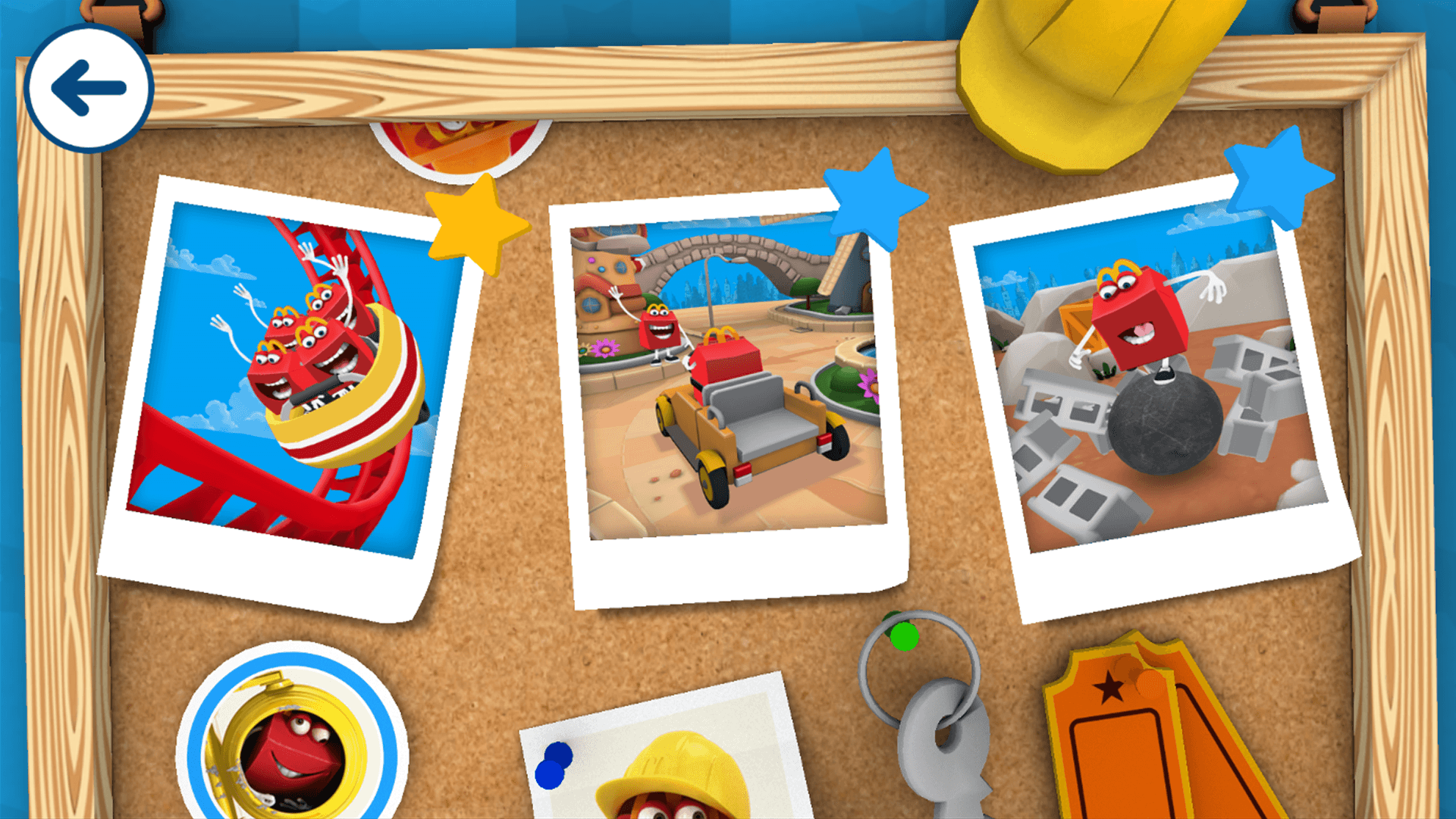
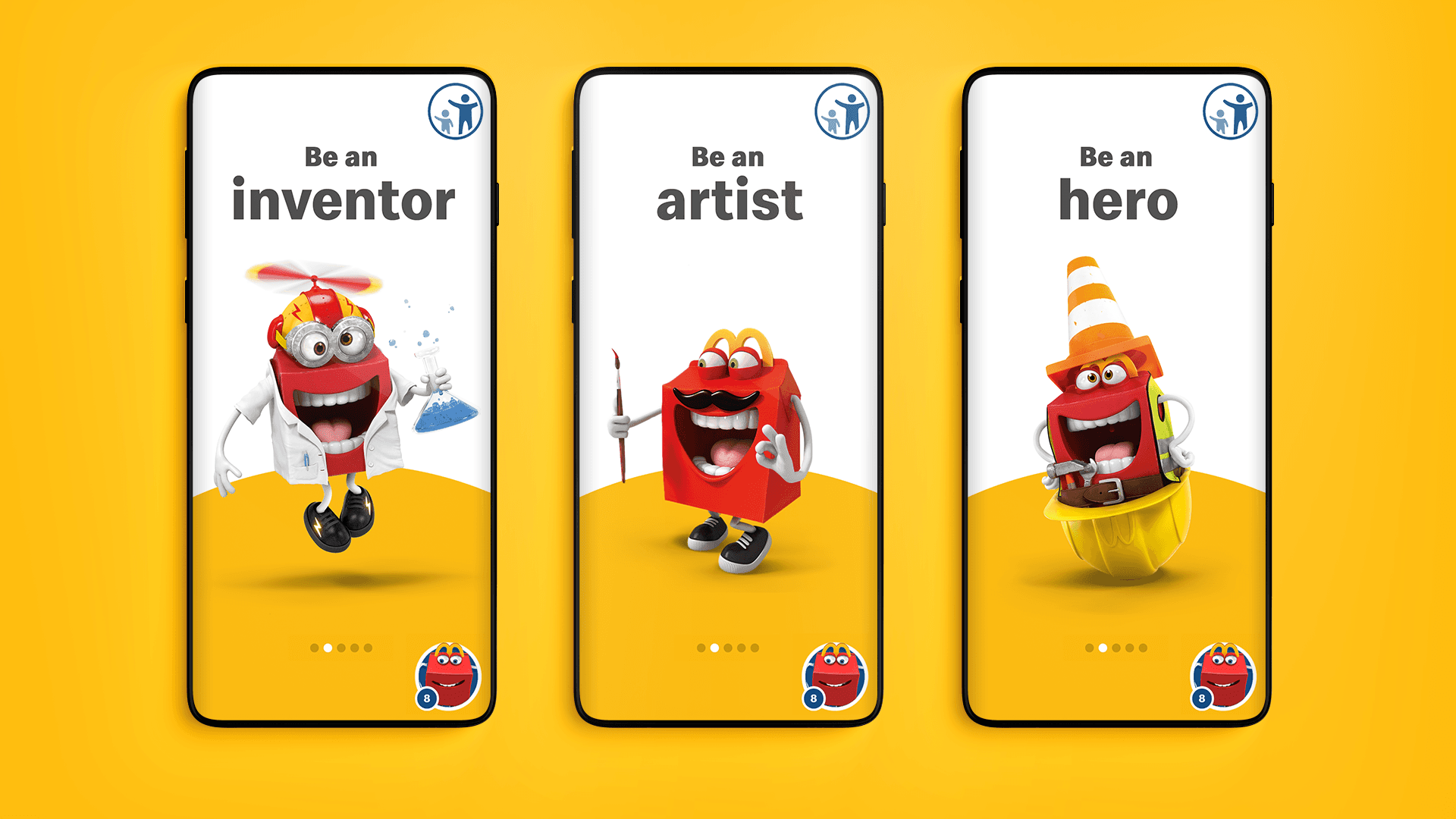
Kids open the app and pick a role — inventor, artist, musician, performer, hero — then play a short mini-game built around it: building something, drawing, composing a tune, or tilting and shaking the phone to get through a physical challenge. Finishing a game earns rewards that unlock outfits and new mini-games for Happy, the app's mascot. A camera mode lets kids turn themselves into a character from the current promotion with digital face filters, and scanning a Happy Meal toy or the smiling face on the box opens extra AR scenes with that promotion's characters. A later addition, Happy Readers, added interactive storybooks, including one made with Cressida Cowell. Because the content behind each mini-game is swapped in market by market, the same app always shows whichever Happy Meal toy is running locally, so a child in one country sees a different world than one in another without any of them updating the app.
Results
In 2016 the app recorded 1.8 million downloads and a 76% average return-usage rate across 42 European markets; at its widest reach it was live in more than 117 markets in 44 languages.
- 1
Players download the free Happy Meal App, which McDonald's keeps free of in-app purchases and third-party ads. The home screen surfaces a lineup of games and characters tied to whichever Happy Meal toy is currently running in the player's market, shown in the local language.
- 2
From a central hub, players pick one of five role-based activities — Be an Inventor, Be an Artist, Be a Musician, Be an Entertainer, or Be a Hero — each built around the current promotional characters.
- 3
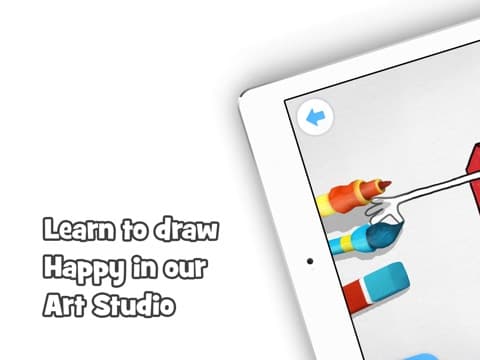
Be an Inventor has players assemble a machine from parts and test whether it works, a build-and-reveal loop. Be an Artist has them follow a demonstrated technique or draw and color freely with a set of tools. Be a Musician has them echo a growing pattern of sounds and rhythms, then unlocks free composition of their own tune to dance to.
- 4
Be a Hero is a multiplayer challenge mode: players physically move, turn, and tilt the device to steer on-screen action, playing solo, with friends, or as a family.
- 5
Be an Entertainer turns the device into a stage, letting players record their own music video or movie trailer, alone or with friends.
- 6
A Digital Masks mode uses the front camera to map the player's facial expressions in real time onto a mask of a current promotional character or a fruit or vegetable character.
- 7
Scanning a Happy Meal toy or promo item with the camera unlocks extra in-app games and content tied to that promotion; scanning the box's "smiling" face art instead triggers an AR scene where the promotion's characters visit the Happy Meal and interact with the player.
- 8
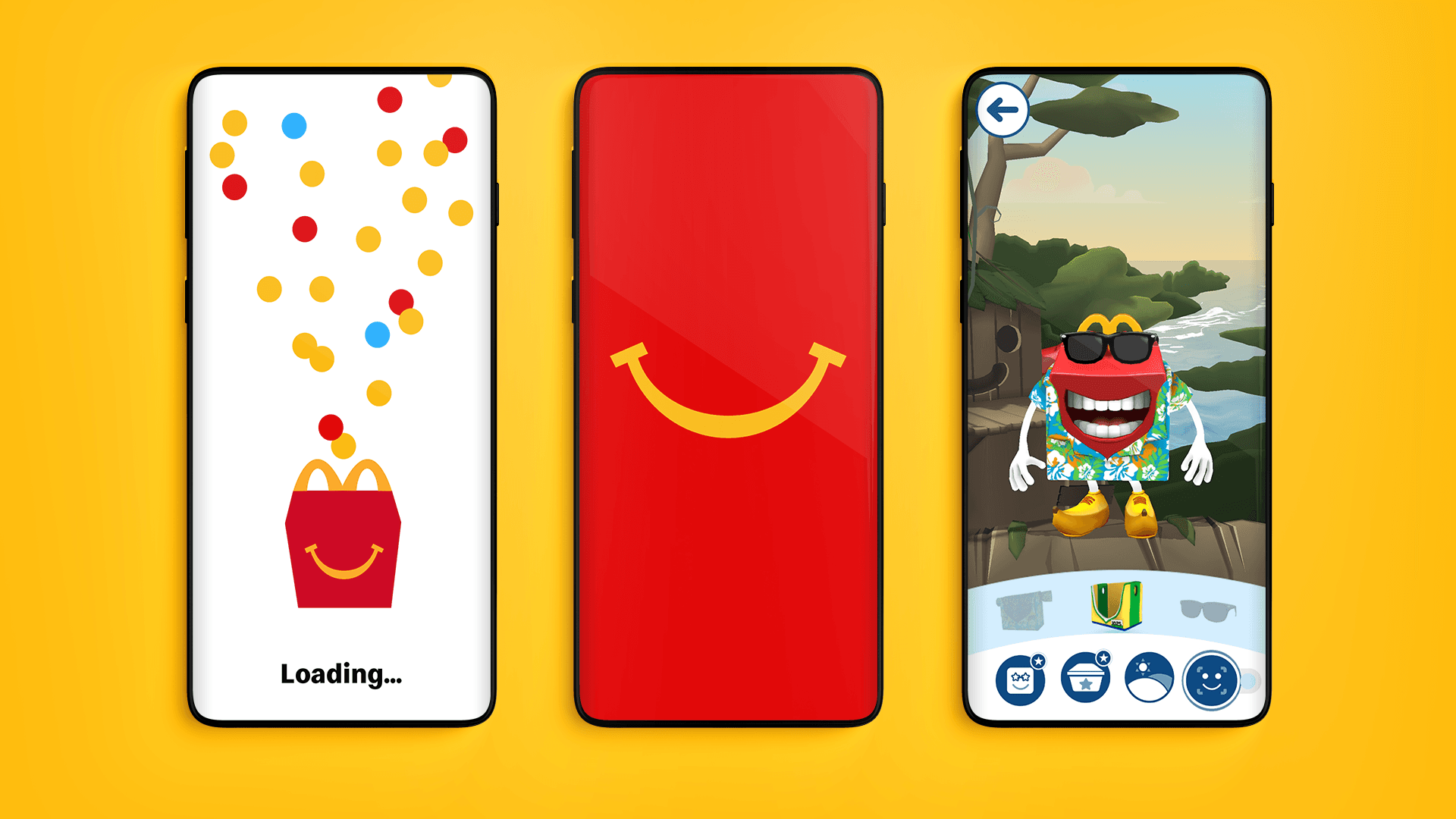
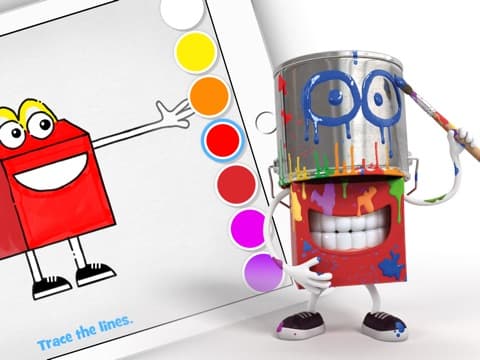
Completing games earns rewards that players spend on the mascot Happy — dressing him up and unlocking new mini-games and explorable worlds to walk through together.
- 9
Happy Readers offers a library of digital books, including titles by Cressida Cowell, meant to be read together by an adult and child; the story adds sound and animation as the pages turn.
- 10
A separate parent dashboard shows statistics on what and how much the child has played, tracking developmental progress.