




GLICODE
- Brand
- Ezaki Glico
- Year
- 2016
- Objective
- Product Launch
- Industry
- Food & Drink
- Mechanic
- Puzzle
- Platform
- App
- Agency
- BIRDMAN





Objective
Glico wanted its snacks to mean more than something stashed in a lunchbox — a tool that actively helps kids grow. Japan was about to make computer science compulsory in primary schools from 2020, but existing coding kits were expensive and hard to find, so Glico built a free, playful on-ramp out of Pocky, Bisco, and Almond Peak — snacks already sitting in every kid's schoolbag.
Solution
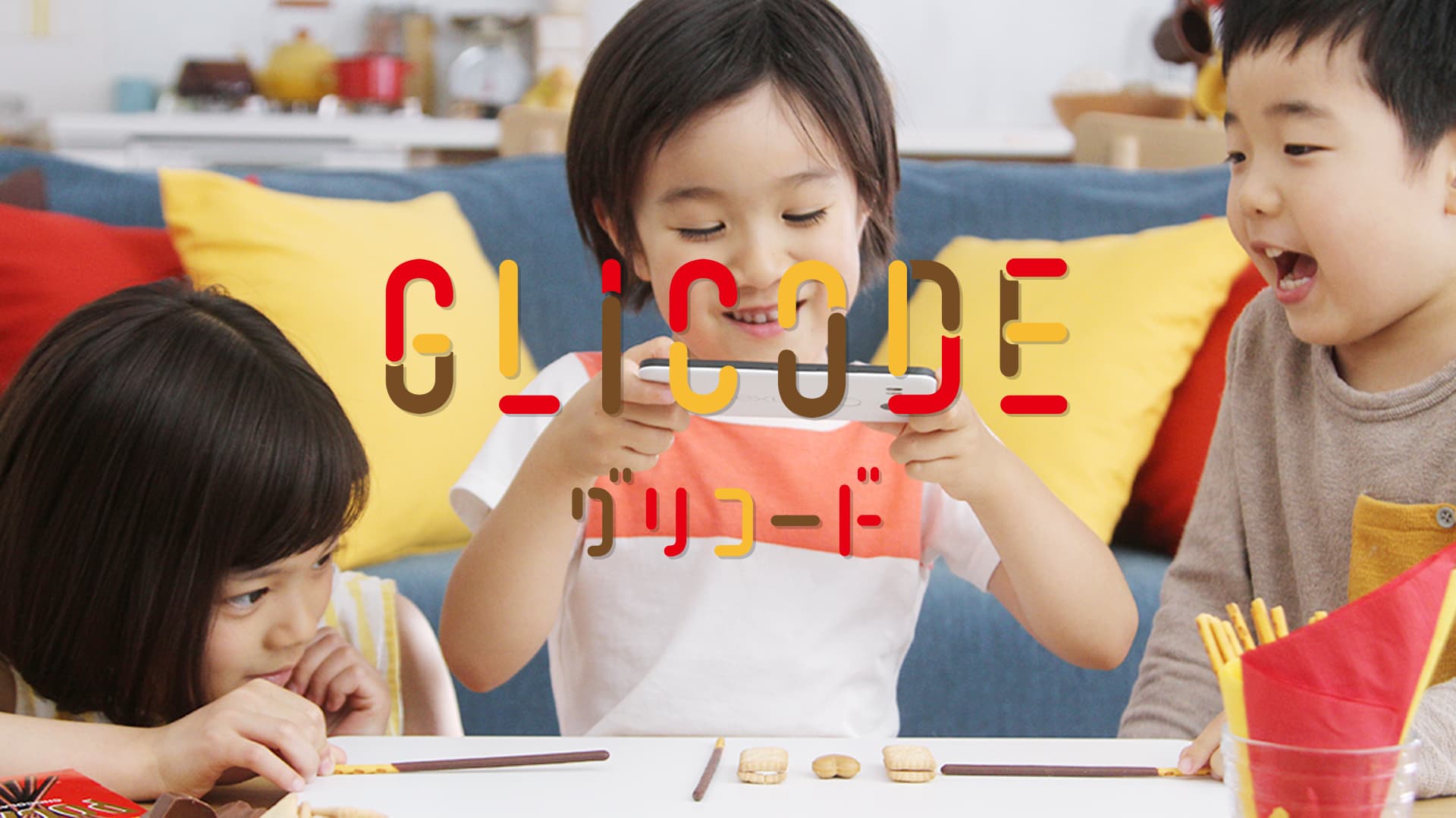
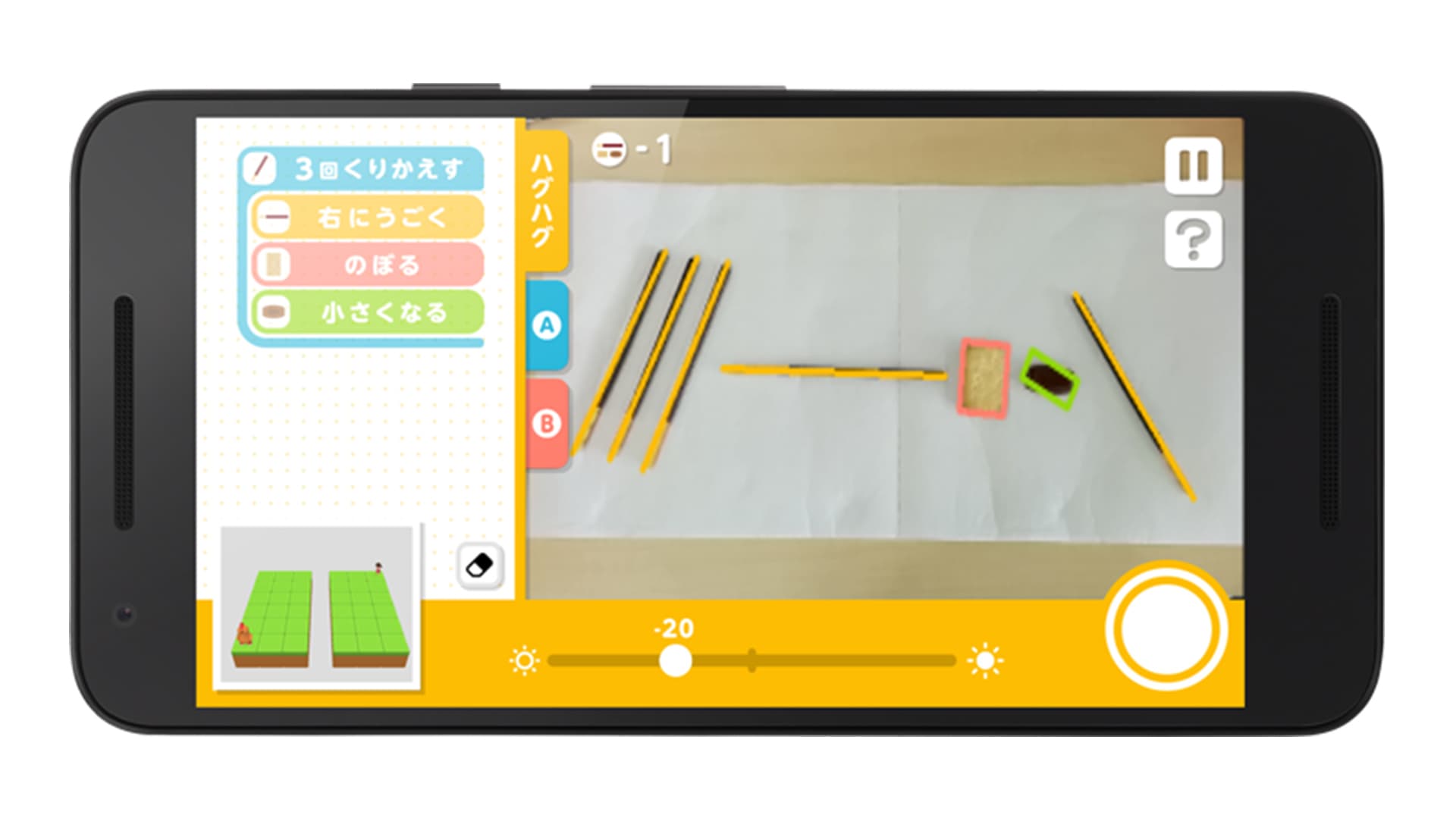
Open GLICODE and you find Haghag stranded on one side of the screen from a crying child he needs to reach. Instead of tapping, you lay real Pocky sticks on a sheet of paper, arranging their order and direction into a sequence of moves, then photograph the layout from above so the app can read it back as a list of commands and run it. Get it wrong and Haghag veers off course, so you clear the sticks, rearrange them, and rescan. Early levels are simple sequences; later ones introduce loops — pen the sticks into a small Pocky house and Haghag repeats the move until he clears it — and conditionals, where buttons A and B branch his path at the right moment. Finish a level and the last step is built in: you eat the Pocky you just programmed with.
Results
In its first three months GLICODE passed 10,000 downloads. More than 200 Japanese and international media outlets covered the launch, generating an estimated 300 million yen in media value. Among children who tried it, 95% said it was fun, and 75% of parents called it a useful way to teach programming. The app is now used in classroom settings at over 560 schools in Japan and abroad.
- 1
The player downloads the free GLICODE app, grants camera access, and starts a level that shows Haghag the character and a crying child elsewhere on the field; the goal is to guide Haghag to the child so it smiles.
- 2
Before each new concept, a picture tutorial explains how to arrange the candy for that concept and how to read the result.
- 3
The player writes a program by hand: laying Pocky sticks on a plain white sheet, where each stick's direction sets the character's step and the sticks' order sets the sequence of commands.
- 4
The player photographs the layout from directly above; the app recognizes each stick and displays the resulting list of commands for the player to confirm before Haghag executes them step by step on the field.
- 5
If the outcome is wrong, the player adjusts the sticks' spacing and direction and rescans, repeating the try-check-revise cycle until the program works.
- 6
Later levels introduce loops, where sticks are enclosed in an inverted-check "house" shape so everything inside repeats until Haghag reaches the child or the next step becomes impossible, and conditionals, where the player taps on-screen buttons A and B at the right moment during playback to branch the program.
- 7
Completing a level under extra constraints earns stars and unlocks the next level on the level map.
- 8
Without candy on hand, the player can switch to a touch mode and build the same programs directly on screen; after mastering the basics, players can move to the companion app GLICODE MAKER to build and share their own levels.
- 9
The official play pattern ends with eating the Pocky used to solve the level.