











FIX-IT
Open the game- Brand
- FAVE
- Year
- 2024
- Objective
- Engagement
- Industry
- Tech & Telecom
- Mechanic
- Puzzle
- Platform
- Web


Objective
Univision, Mongolia's largest IPTV and broadband provider, wanted subscribers to actually know what to check when their internet or TV stops working — how the set-top box, remote, TV and home gateway connect, what the ports do, which Univision apps exist and how to pay for the service — without calling support or hunting through a manual. Local press covers it as the country's first customer-educational web game, and Univision gave it a cast, a town and a shareable prize so it would feel like entertainment rather than a support article.
Solution
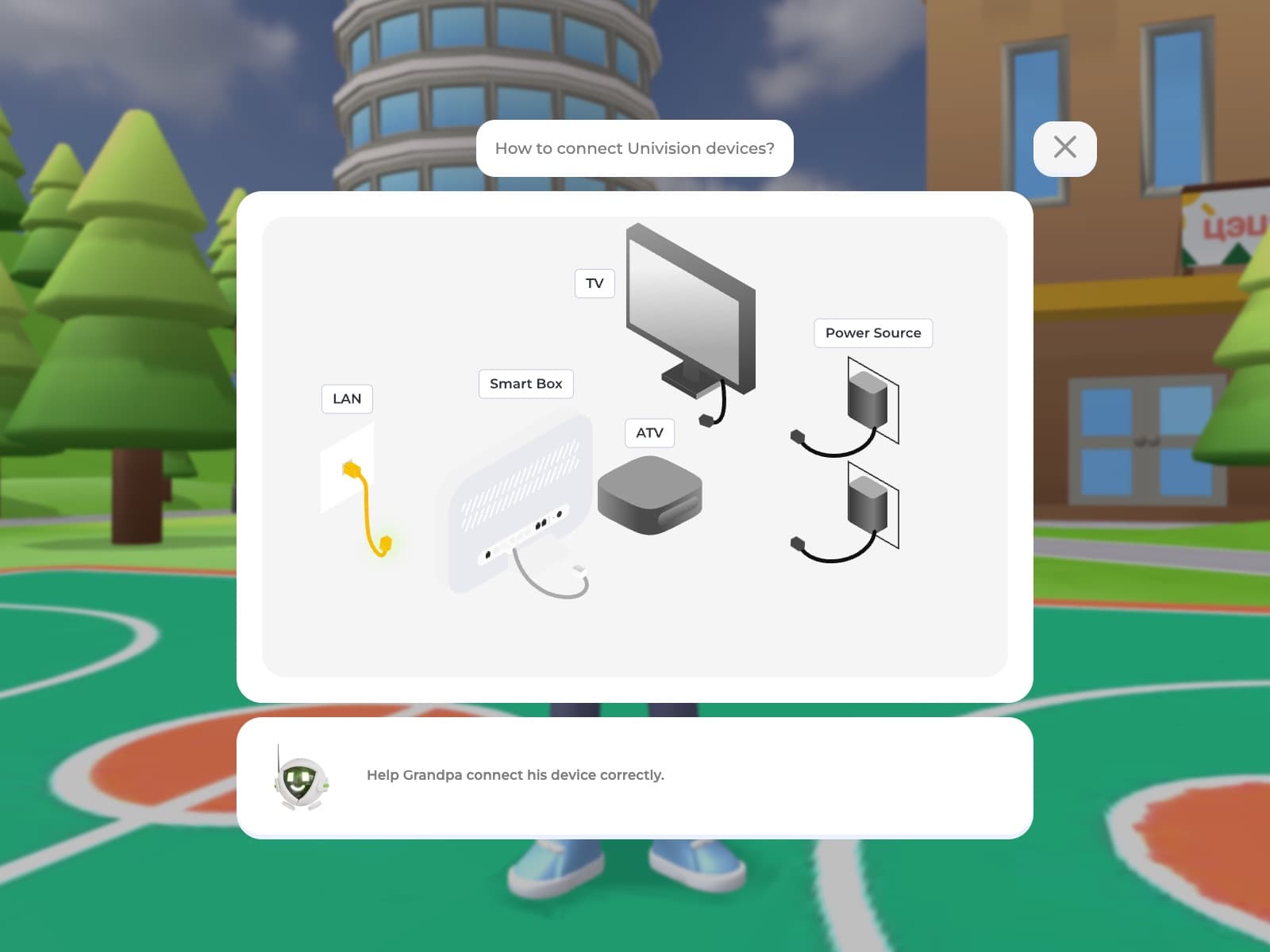
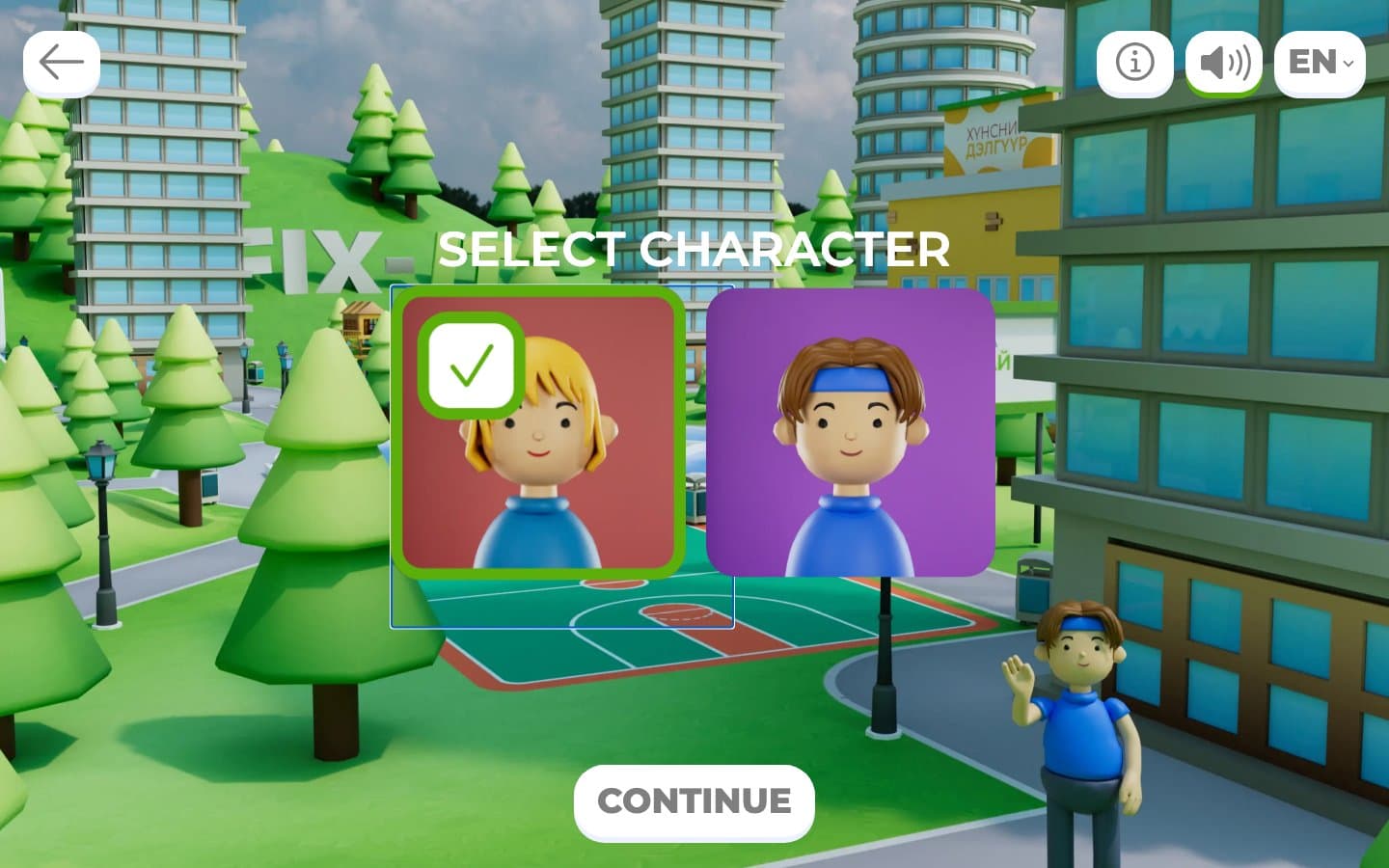
Players open FIX-IT straight in the browser, choose a male or female character, type their name and move into Apartment 8 of Happy Together, a town where nothing works yet. A guide explains the controls — drag to walk, tap the in-game phone to check your contract, data balance, points and settings — and every errand starts from that phone. From there, twelve tasks send the player to six named neighbours in a fixed order, grouped into four hunts, one per device: the Univision TV box, the remote, the TV and the home gateway. Each neighbour's favor ends with a multiple-choice question about the Univision service; answer it correctly and they hand over the item. Once every device is collected the apartment is finally set up, and the player receives a personalized "Home Engineer" certificate they can download, copy a link to, or share on Facebook.
- 1
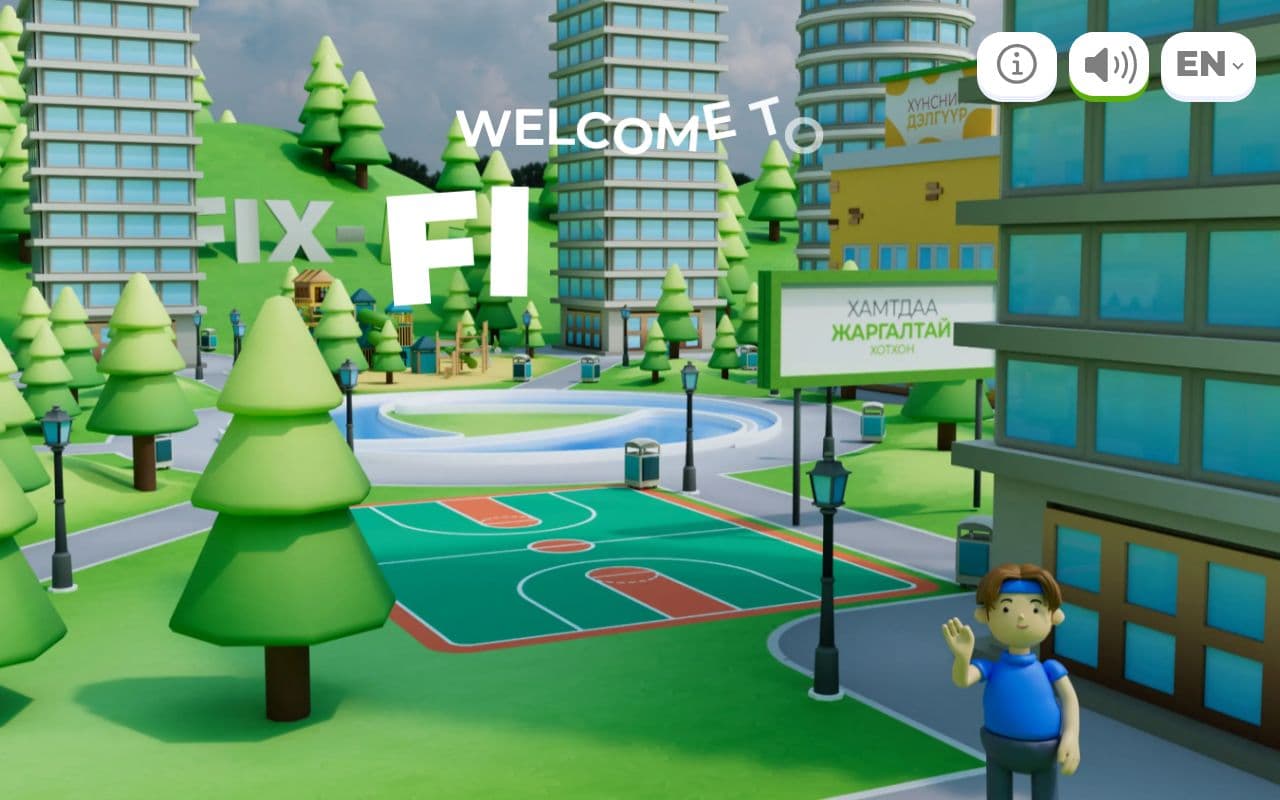
The game opens on a welcome screen introducing itself as Univision's first 3D web game, then introduces six neighbours of 'Happy Together' town, each with a short bio. The player picks a male or female avatar, types a name, and is cast as the new Resident of Apartment 8.
- 2
A guide character greets the player by name in the 3D scene and explains the controls: drag with the cursor to move, or play from the keyboard with arrow keys, Tab, Enter and Space.
- 3
An in-scene phone serves as the task hub: it holds a working mock Univision account (contract, balances, movie and channel packages, Wi-Fi and parental settings) alongside a Tasks menu that tracks progress toward 12 tasks across 6 neighbours, rewarding four Univision devices in total.
- 4
The core loop is a neighbourhood errand: the player walks to a neighbour, hears their connectivity or entertainment problem in dialogue, helps them, then answers a multiple-choice service question about Univision. A correct answer triggers a congratulations screen and adds the device to the player's inventory.
- 5
This loop repeats for three more device hunts, each routing the player through a different sequence of neighbours before the device is found.
- 6
While roaming between errands, the player hits occasional blocked paths that prompt a click to continue, and encounters Univision trivia woven into the scenery; a map and instructions stay accessible throughout.
- 7
Finishing the twelfth task ends the guided game with a closing message, though the town remains open to keep exploring afterward.
- 8
The finale generates a personalised 'Home Engineer' certificate bearing the player's name, a citizen ID and their in-game address, with options to copy the link, share to Facebook or download it.