




3D Shipbuilder
Open the game- Brand
- Starlink
- Year
- 2018
- Objective
- Engagement
- Industry
- Tech & Telecom
- Mechanic
- Simulation & Strategy
- Platform
- Web
- Agency
- Five & Done




Objective
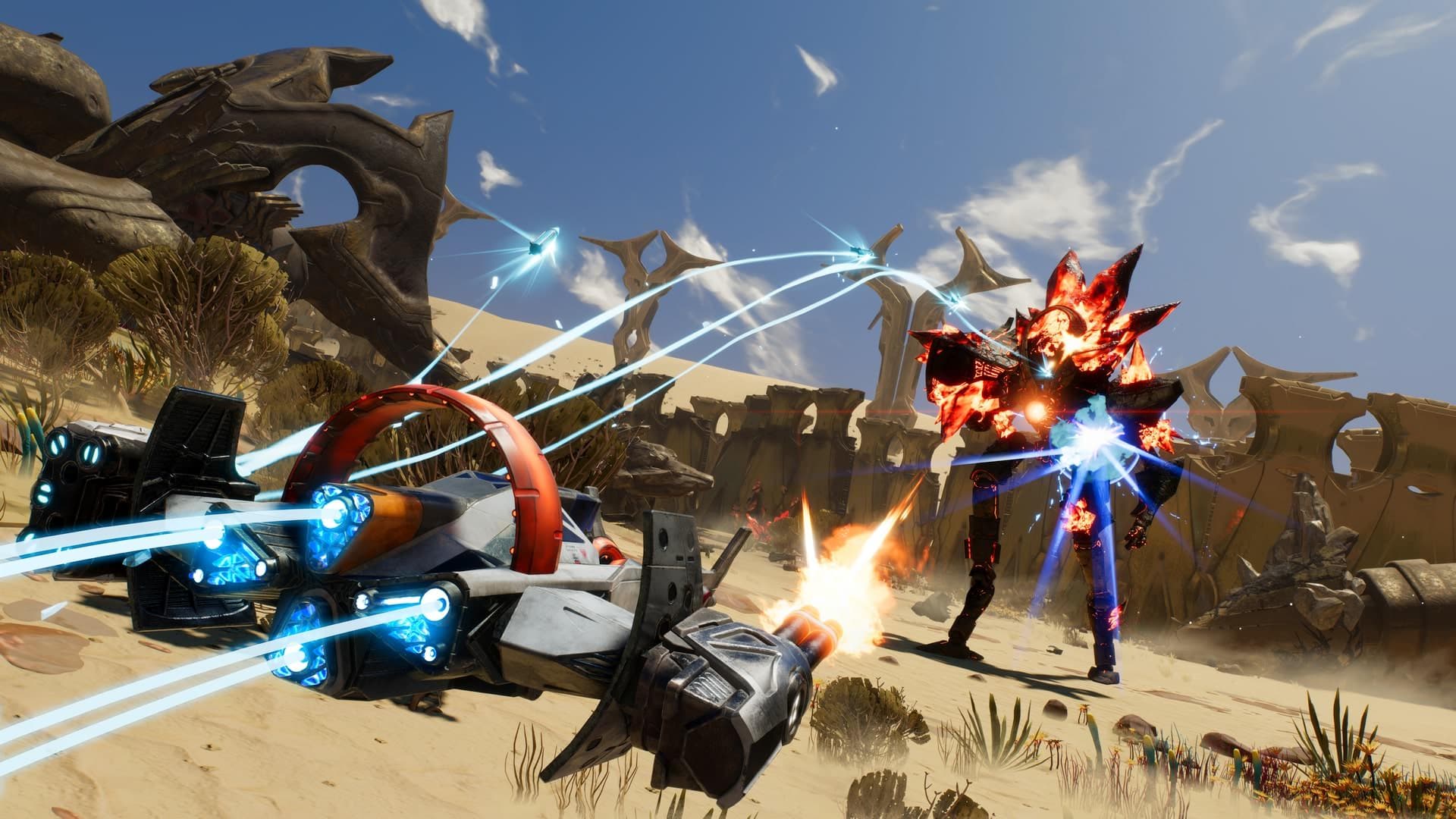
Starlink: Battle for Atlas hinged on a physical gimmick: snap toy components onto the controller and your ship changes in-game instantly. Ubisoft needed a way to sell that idea to people who hadn't held the toys yet, and to turn browsing into a shopping list before the October 2018 launch.
Solution
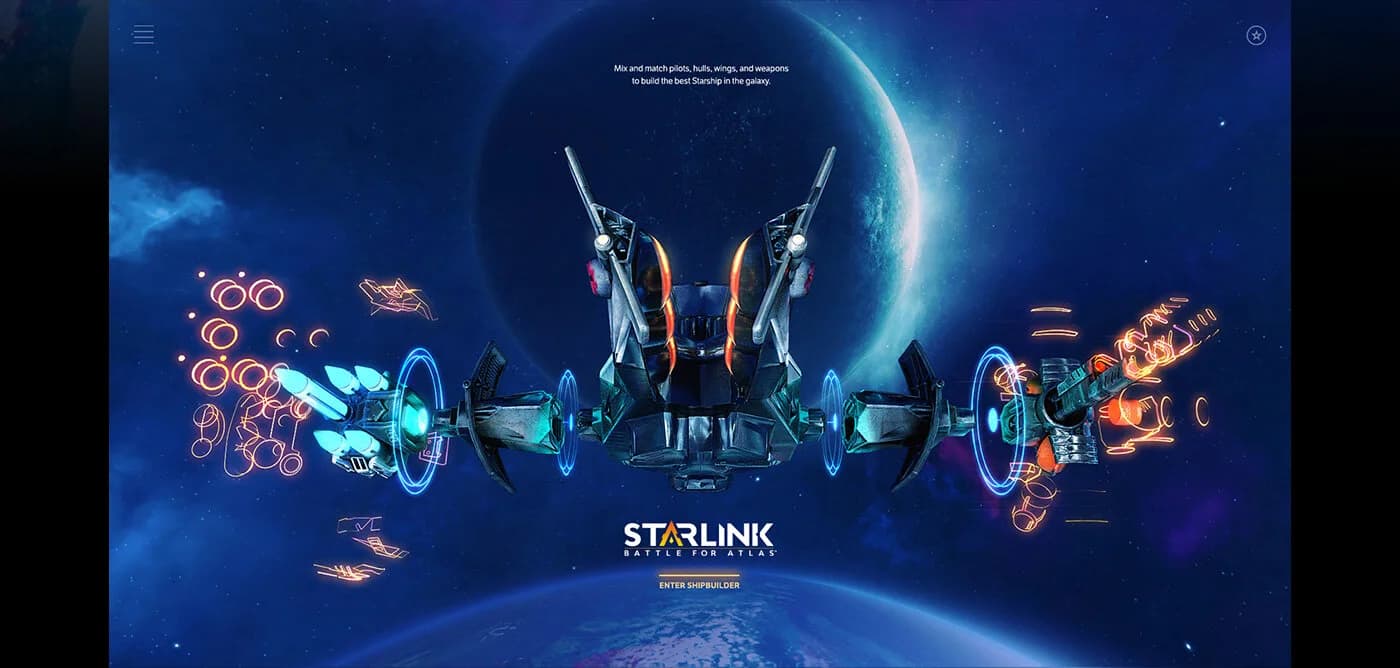
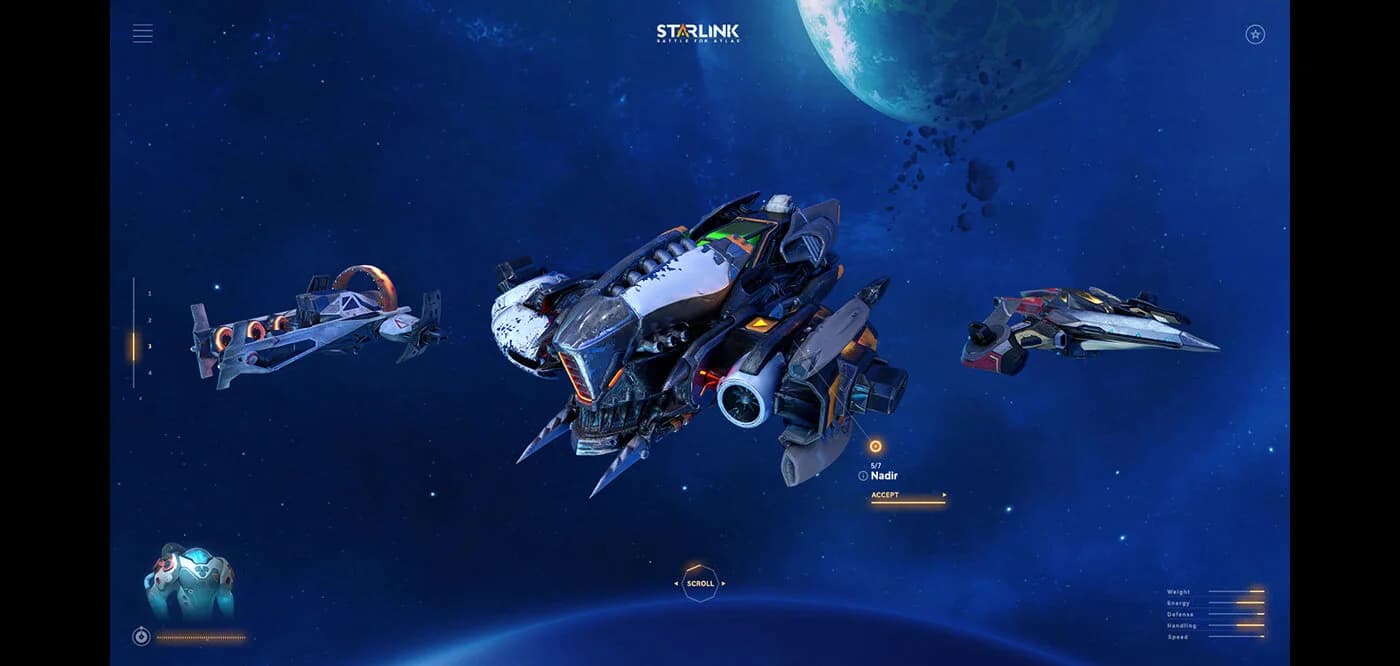
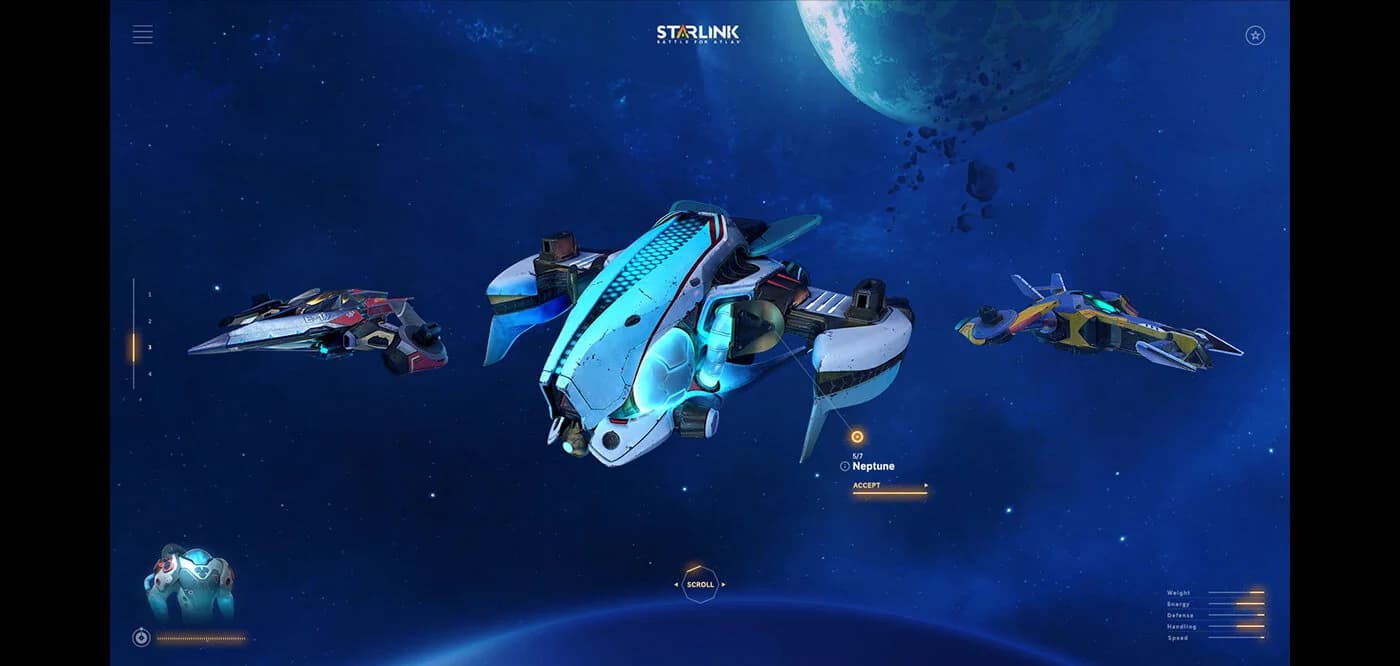
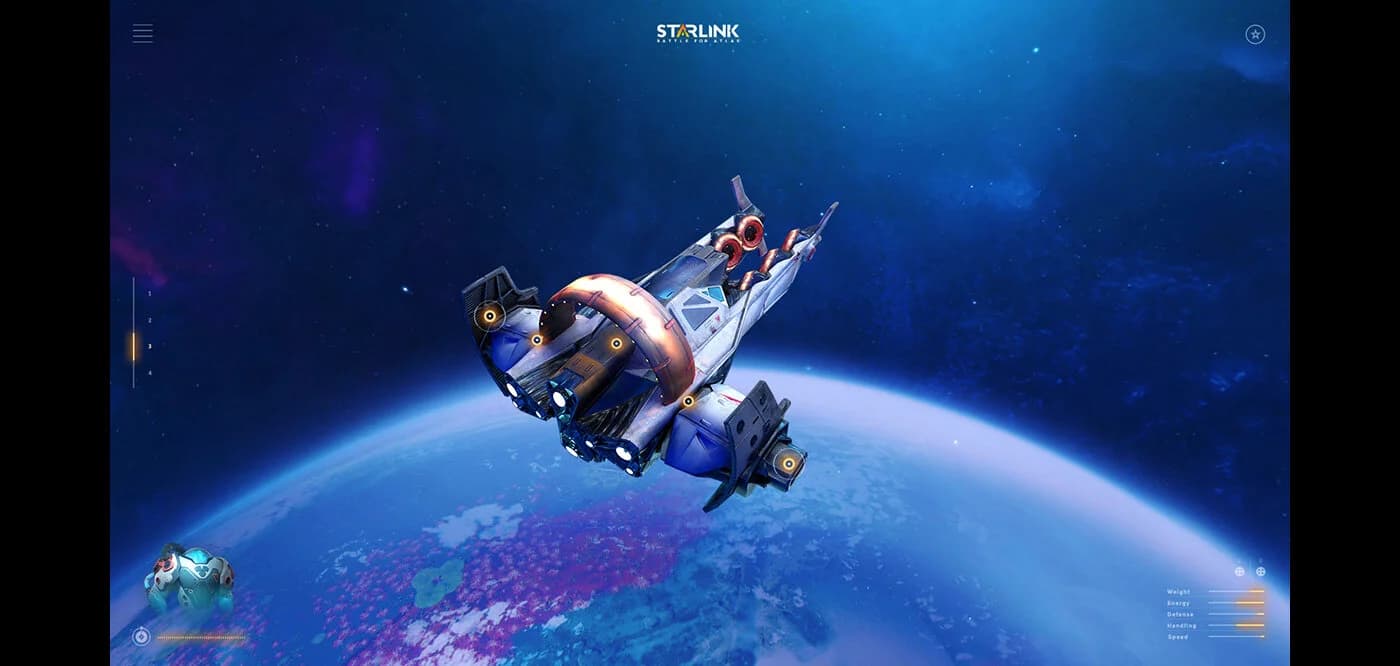
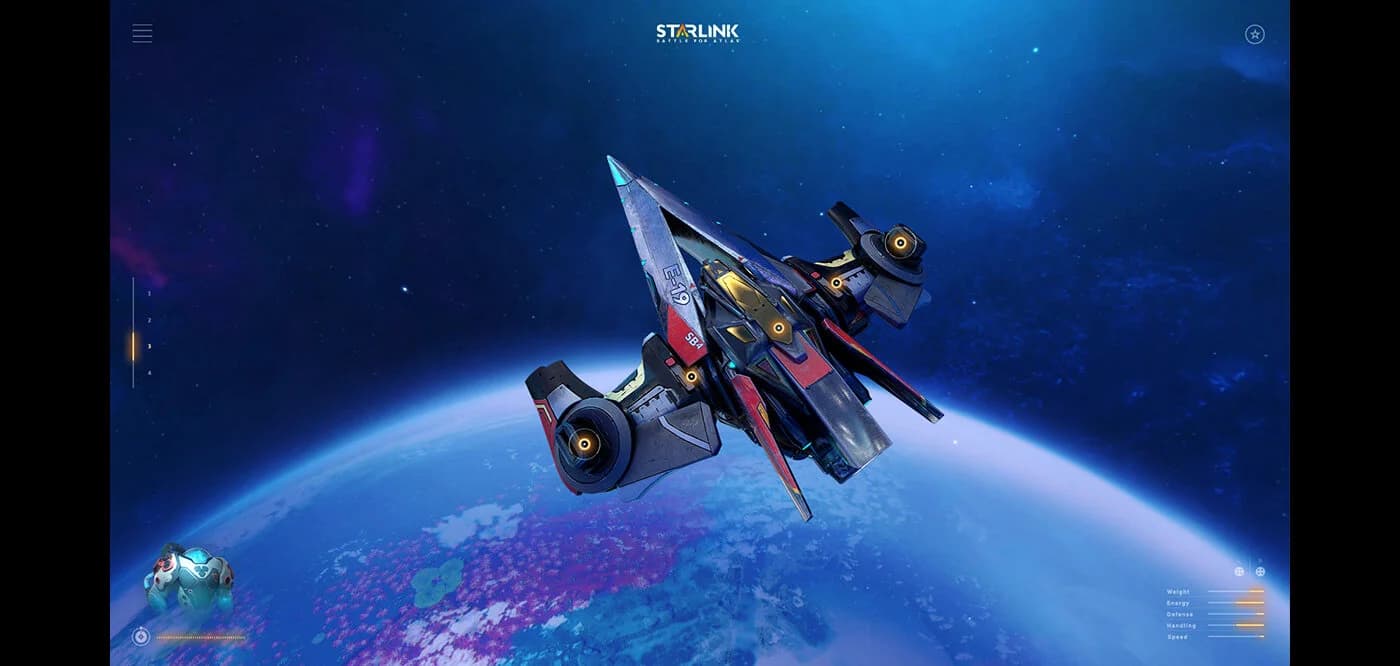
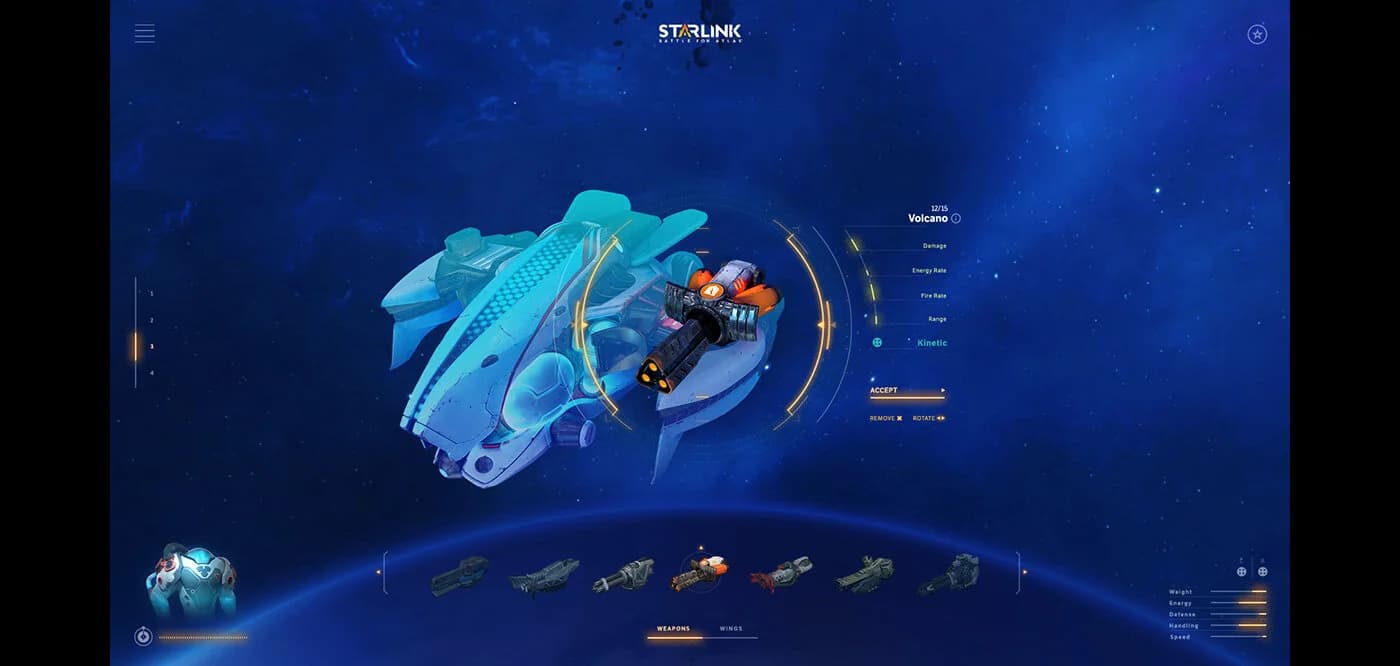
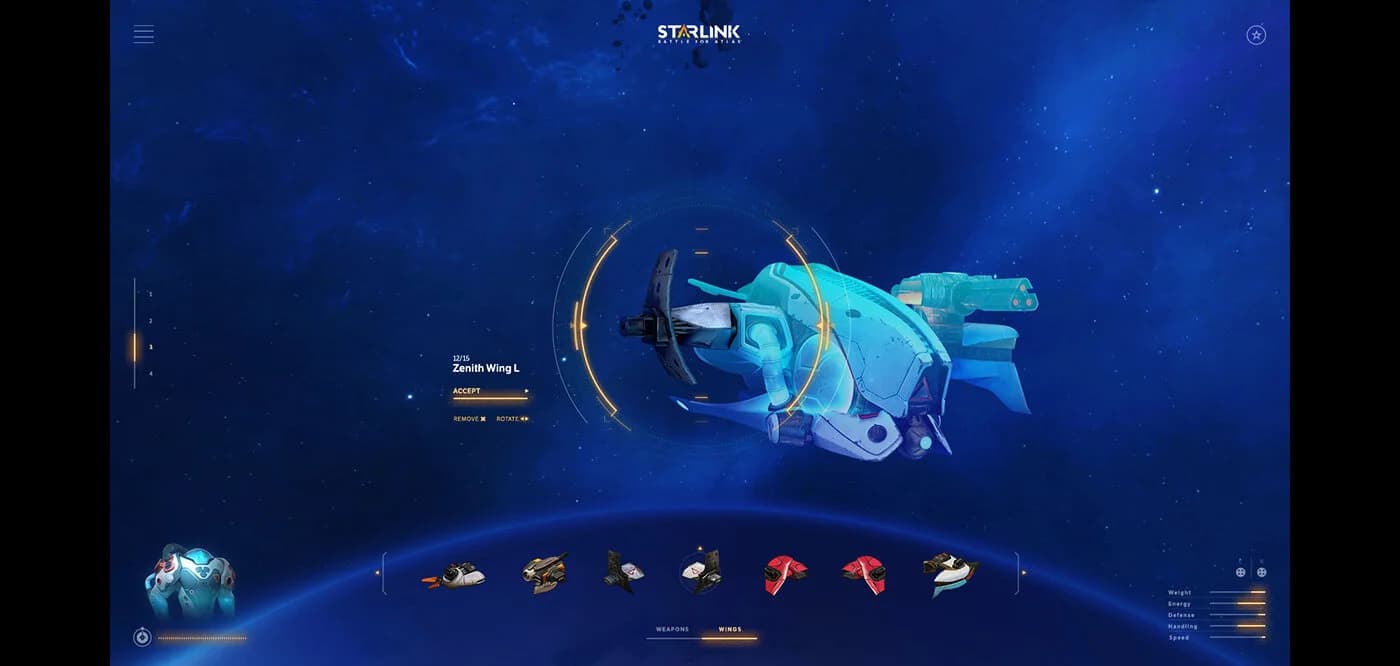
The builder drops you straight into a full-screen 3D workshop. You cycle through four bins of parts — pilots, hulls, wings, and weapons — and each swap spins the ship into view, rebuilding it in real time so you can see exactly how a new wing or gun changes its silhouette. With ten pilots, eight hulls, sixteen wings, and sixteen weapons in the mix, you keep swapping and rotating until the combination feels right. Once you're happy with the design, the tool converts it into the exact Starlink toy sets you'd need to buy to fly that same ship in the game.
- 1
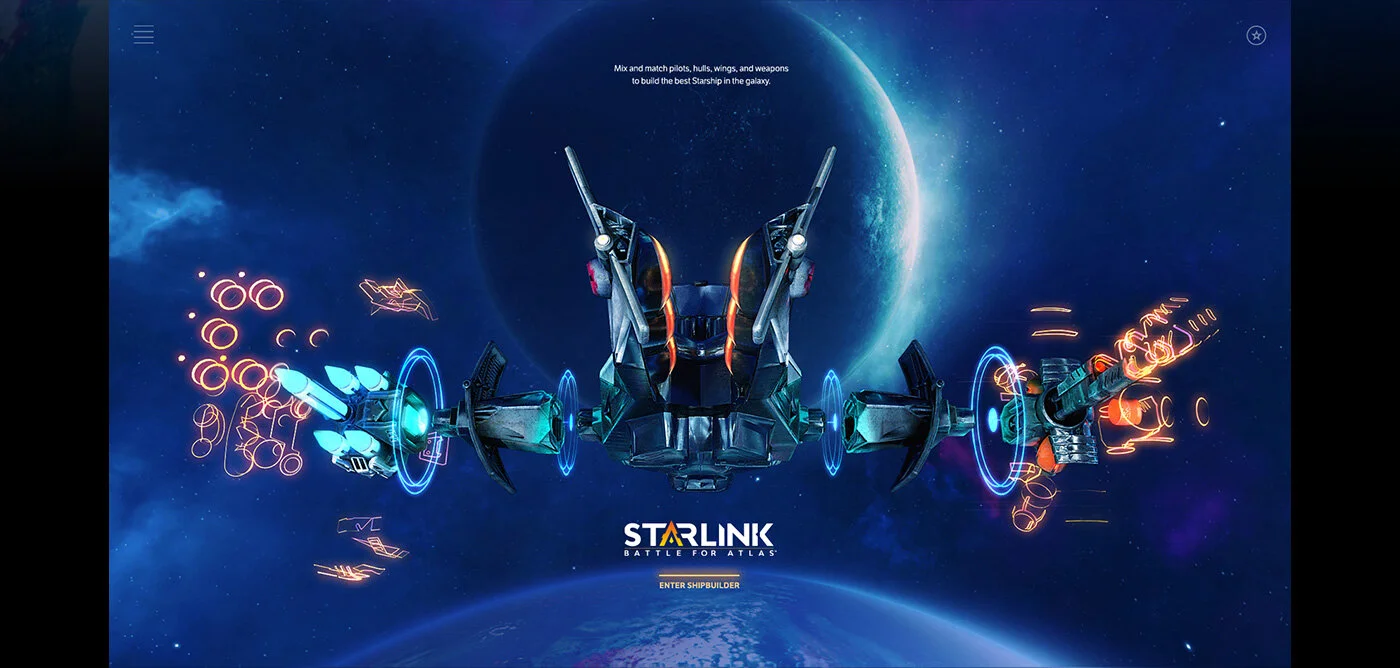
The experience opens on a fullscreen 3D scene with a starship standing in front of the player, inviting them to build their own ship to help unite the galaxy against its villains.
- 2
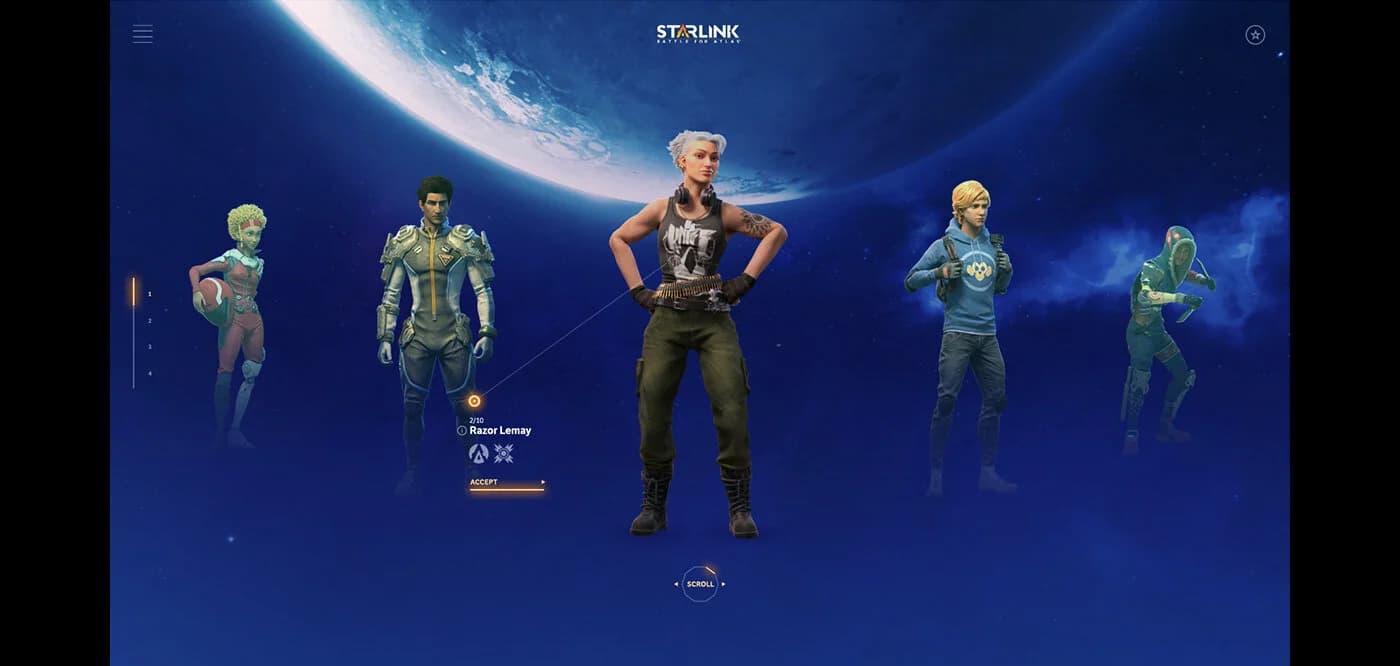
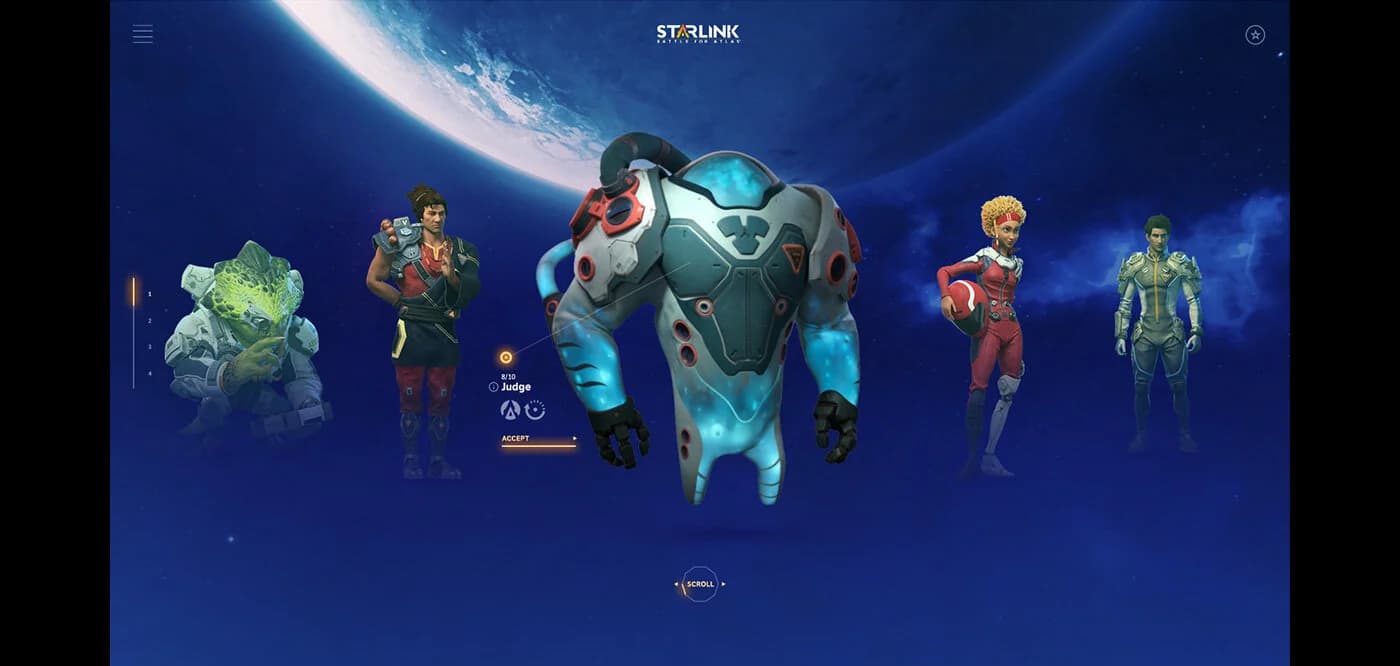
Players first pick a pilot for the ship, browsing a gallery of 10 characters and assigning one to fly it.
- 3
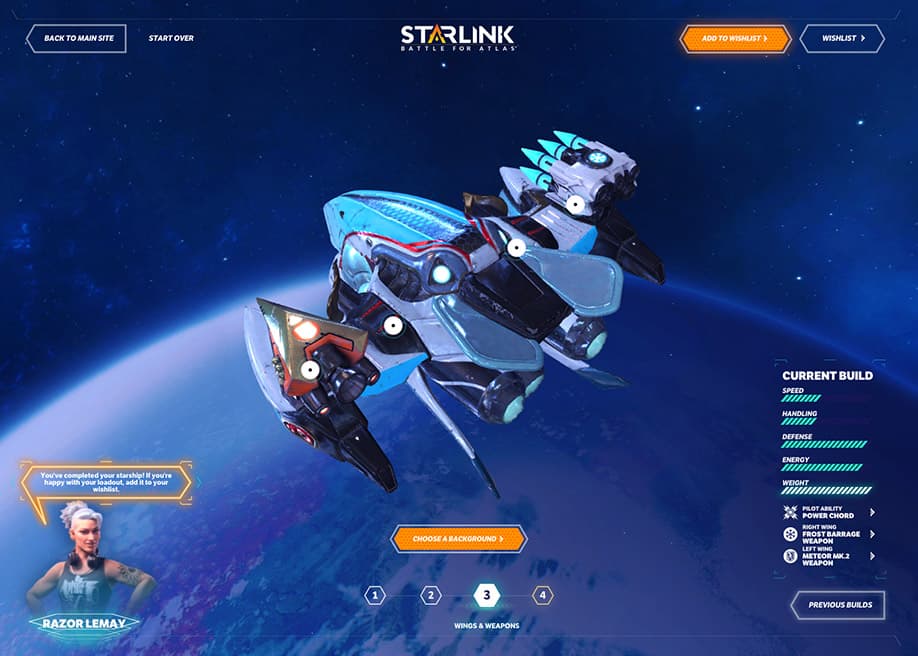
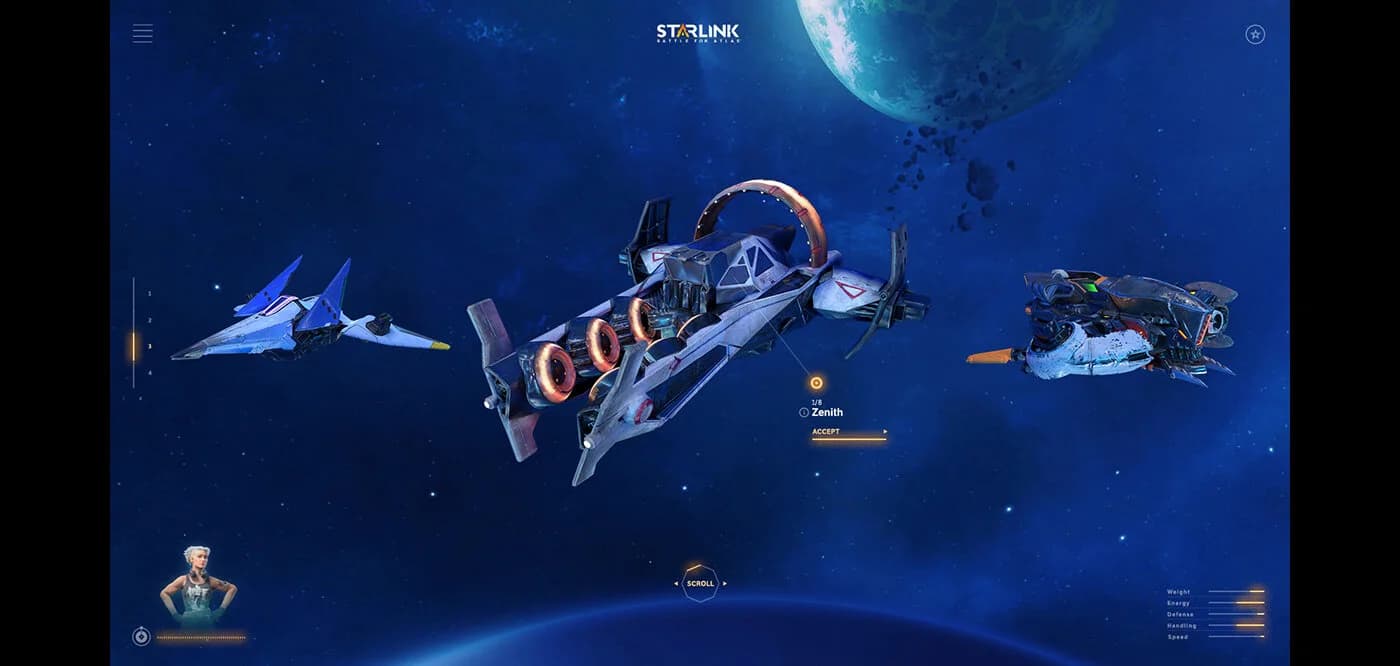
Players then assemble the ship module by module: a hull (8 options), wings (16 options), and weapons (16 options). Each choice replaces the previous part and updates instantly on the 3D model.
- 4
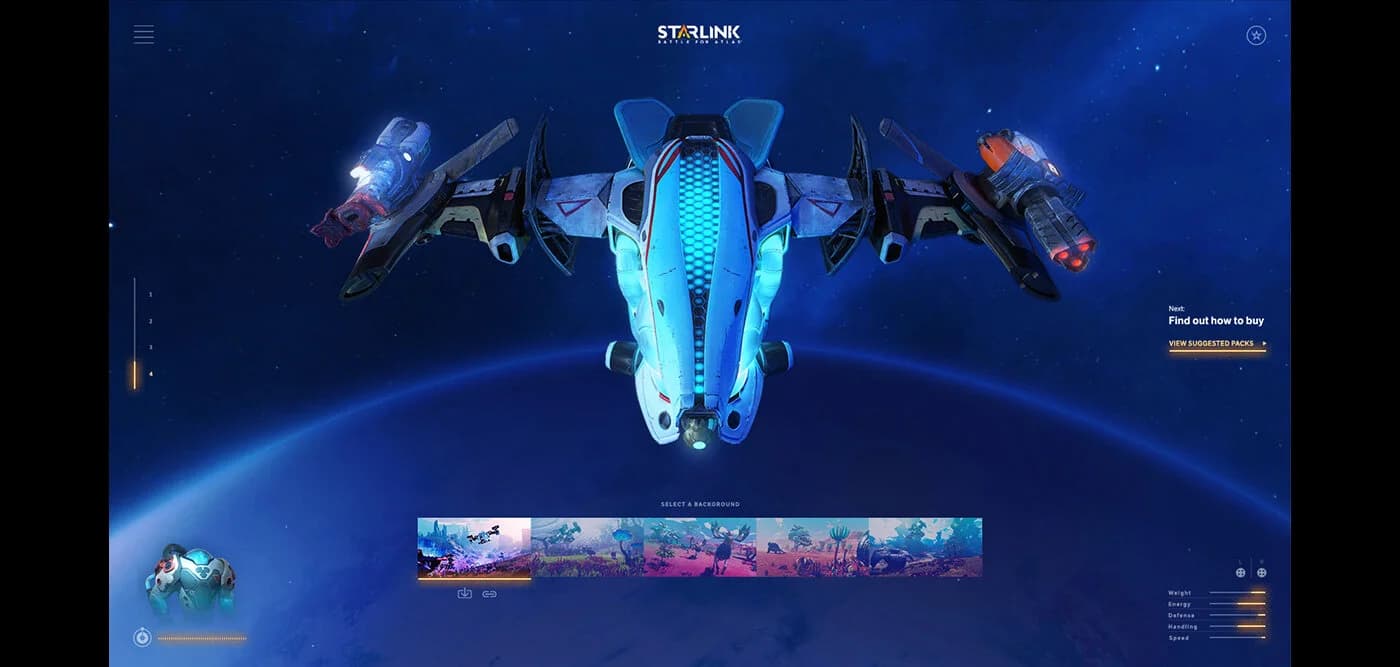
The finished ship can be examined and rotated in full 3D, and players can freely jump back to any of the four part categories to swap components.
- 5
The build concludes with a shopping list: the physical Starlink toy sets needed to recreate the assembled ship in the actual game, along with where to buy them.